You've launched a broad Meta test with multiple images, videos, headlines, and primary texts. A few days later, the dashboard shows a promising CPA, but you can't tell whether the result came from the hook, the product angle, the placement crop, or one accidental combination that absorbed most of the spend. The campaign is delivering, yet the learning is weak.
That's the central challenge with dynamic and creative advertising. Producing more variants is relatively easy. Determining what Meta tested, what caused incremental performance, and which assets should be refreshed requires an operating system.
Table of Contents
- Why Creative Quality Sets the Ceiling on Meta Results
- What Dynamic Creative Is on Meta
- Dynamic vs Static Creative in Real Numbers
- Building Dynamic Ads with Advantage+ and Flexible Ads
- The Measurement Trap Behind More Variants
- Launching Dynamic Creative at Scale Without Losing Control
- Post-Launch Analysis and When to Refresh or Retire
Why Creative Quality Sets the Ceiling on Meta Results
A campaign can have a clean audience structure, sensible budgets, and carefully chosen placements, yet still stall after launch. The usual cause is visible in the ad itself: a weak opening frame, an unclear benefit, or a generic promise. Better delivery cannot compensate for a message that fails to earn attention and explain value quickly.
A Nielsen Catalina Solutions analysis of nearly 500 US advertising studies from 2016 to 2017 found that creative contributed an average of 47% of advertising's impact on sales. The Nielsen and IAB Australia analysis of creative effectiveness supports the operating principle behind that finding: media determines who can see an ad, while creative strongly influences whether that exposure produces a commercial response.

The creative engine is part of media buying
Compare two campaigns with the same offer and audience. One uses a direct product demonstration, a clear benefit, and a native-looking vertical video. The other uses a polished brand image and a headline that could describe almost any competitor. The first gives Meta clearer material for matching people, contexts, and placements. The second leaves the algorithm working around an unconvincing message.
At scale, creative production and media buying become one function. A buyer needs to understand the asset's structure, the promise it makes, the audience context it assumes, and whether its variation can be compared fairly with another. A new thumbnail may change the result for a different reason than a new offer angle, so those variables need separate labels and post-launch review.
Practical rule: Don't increase spend to solve a creative problem. First identify whether the bottleneck is the hook, proof, offer, format, or landing-page continuity.
Dynamic systems make that discipline more important. Meta can select among images, videos, text variants, and placements quickly, but it cannot turn an unclear proposition into a strong one. More combinations create useful learning only when the underlying assets represent deliberate strategic choices.
Treat each asset as both a delivery input and a measurement unit. Record its angle, format, hook, proof, and intended audience context before launch, then review spend and outcomes by those dimensions after delivery stabilizes. That governance step separates a genuine creative signal from a winning combination that merely received more distribution.
What Dynamic Creative Is on Meta
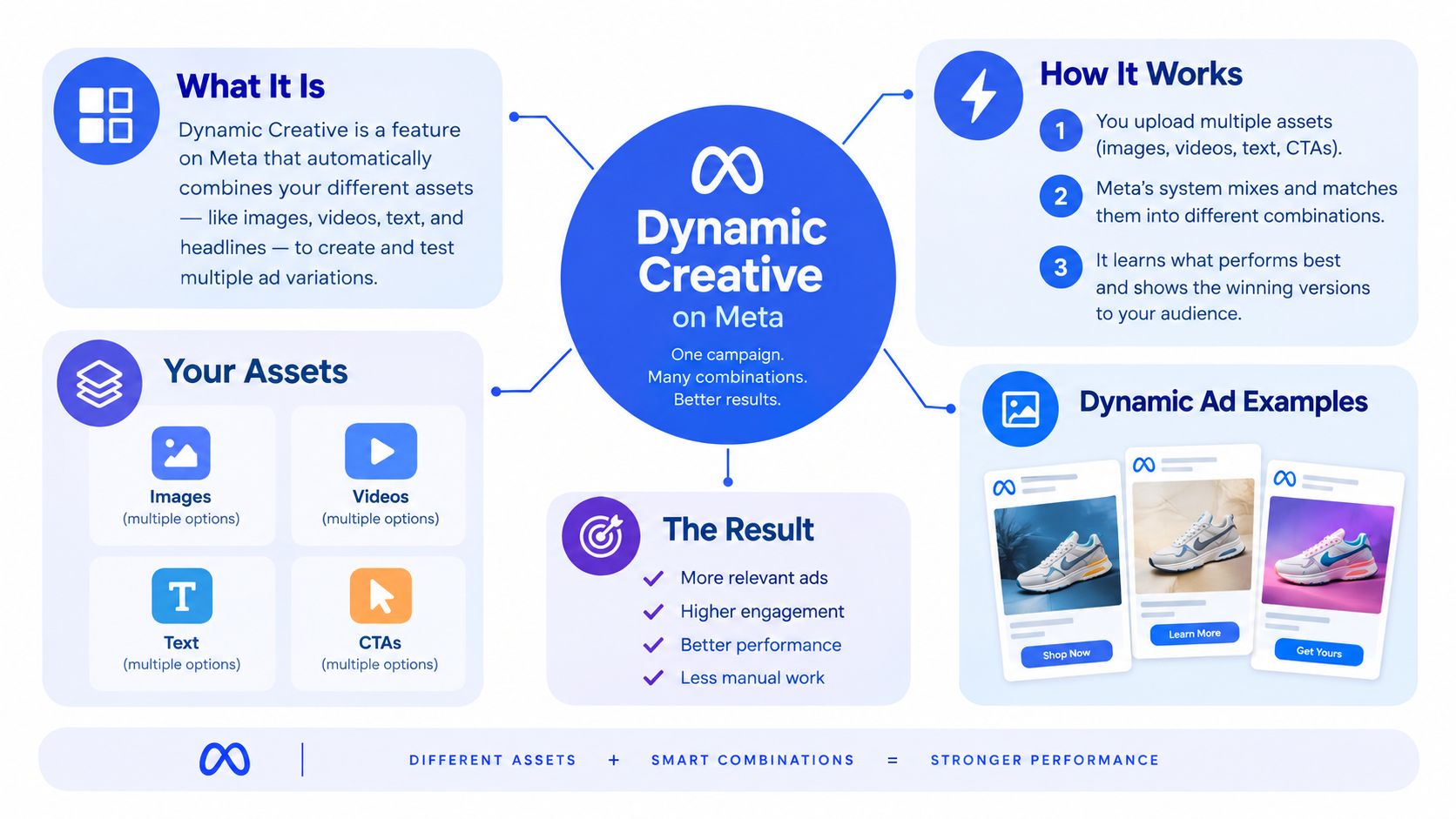
A single Meta ad can serve different combinations of assets to different people. Dynamic creative is the delivery system that selects or assembles those combinations using signals such as product relevance, placement, device, or predicted response. The inputs may include images, videos, headlines, primary texts, descriptions, and calls to action.
A useful operating model is a set of separate slots. One holds the visual, another the headline, another the primary text, and another the call to action. Meta can serve a different combination for each impression. Results still depend on the quality and strategic fit of every asset you upload.
Several Meta controls sit close to dynamic creative but solve different problems:
- Dynamic creative determines how eligible creative components can be combined or selected for delivery.
- Advantage+ campaign budget distributes campaign budget across ad sets. It does not create creative combinations.
- Advantage+ creative enhancements can alter uploaded media through placement-specific crops, brightness adjustments, subtle motion, text overlays, image templates, and background generation.
- Flexible Ads let advertisers provide a media bundle that Meta can test and serve as variations within one ad setup.
These controls can run together, but they should remain separate in the account's naming and analysis. A campaign may use Advantage+ campaign budget without dynamic creative. An ad may use creative enhancements while the source asset remains manually selected. Flexible media can adapt an asset to placements, but it does not define the message, naming convention, or testing framework.
Meta's catalogue history helps explain the model. Facebook introduced dynamic product ads in February 2014, allowing advertisers to promote multiple catalogue products based on prior website behaviour. The historical Facebook advertising record documents that early use of catalogue relevance.
The operational distinction is clear: dynamic delivery chooses among inputs, while creative governance defines and limits those inputs. Label each asset by message, market, ratio, offer, and intended audience context before launch. After delivery stabilizes, review performance by those dimensions. Without that record, a high-performing combination may reflect distribution rather than a repeatable creative signal.
Dynamic vs Static Creative in Real Numbers
A dynamic test can improve delivery while making the result harder to explain. The clearest historical comparison comes from an analysis of more than 55,000 Facebook advertising campaigns that served approximately 37 billion impressions worldwide between July 1, 2014, and June 30, 2015. In the examined AdRoll campaigns, dynamic personalised creative produced a 24% higher click-through rate, 6% lower cost per click, and 41% lower cost per acquisition than static creative, according to the Facebook advertising analysis.
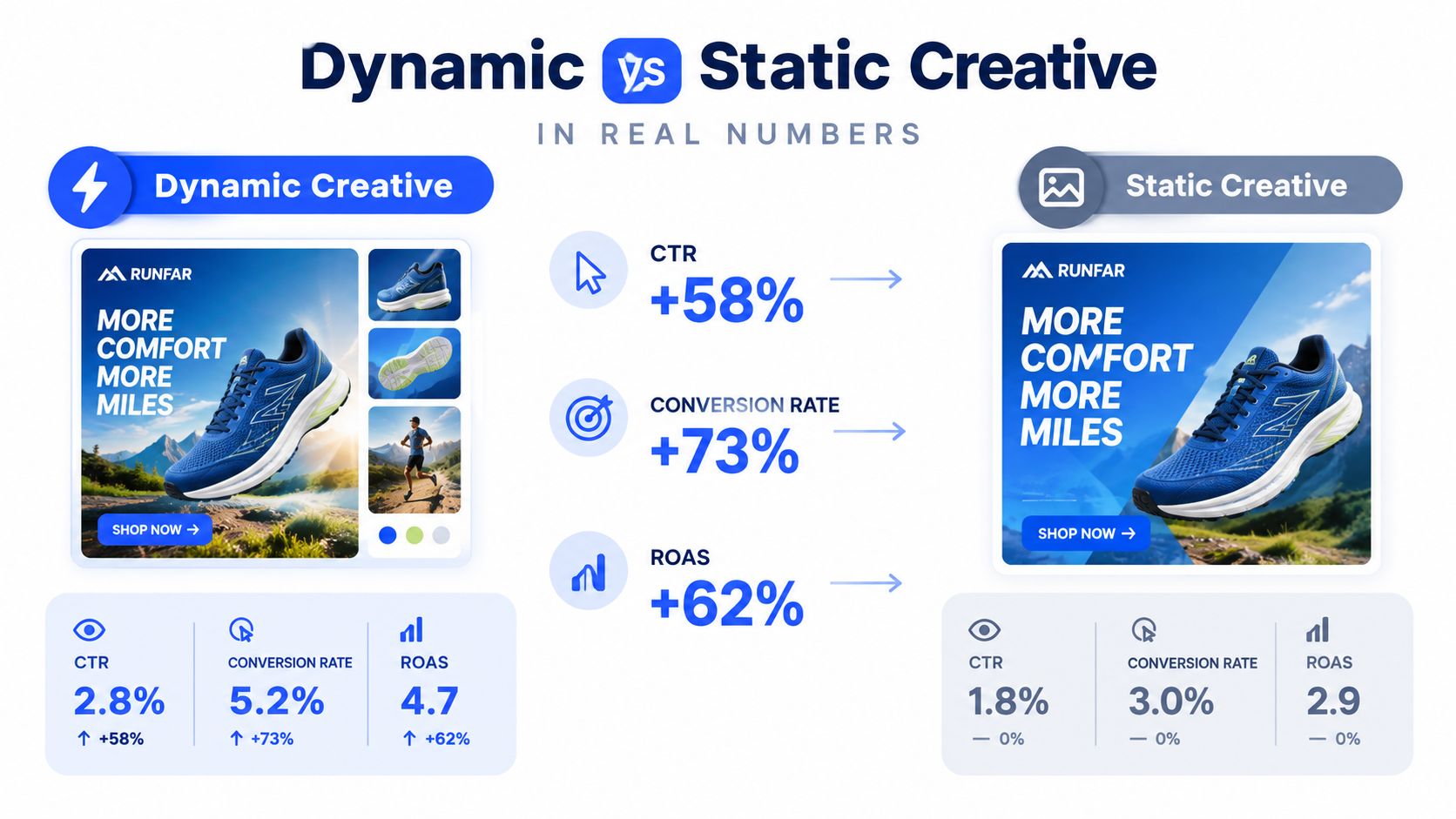
Treat those figures as historical evidence, not an account forecast. They reflect a particular advertiser group and period of platform development. The useful lesson is operational: dynamic delivery can expose more relevant combinations, but the resulting lift still needs to be separated from audience, placement, offer, and budget effects.
| Decision criterion | Dynamic creative | Static creative |
|---|---|---|
| Post-launch readout | Requires asset-level and combination-level analysis | Gives a cleaner read on one complete execution |
| Approval process | Needs rules for acceptable combinations | Supports approval of every final ad |
| Budget interpretation | Spend may concentrate on a small set of inputs | Delivery is easier to compare across fixed ads |
| Main failure mode | A winning combination may be difficult to reproduce | A weak execution can remain live while learning slowly |
For a buyer managing a large monthly budget, the practical choice is a measurement decision. Define the hypothesis before launch, then hold the offer and landing page constant where possible. A dynamic test might compare problem-led and product-led hooks across several formats. After delivery stabilizes, export results by asset, placement, audience, and combination. Separate high spend from high efficiency, identify repeated patterns, and record which elements contributed to the result. That workflow turns dynamic creative into a governed test rather than a pool of interchangeable files.
Static creative remains useful when the exact execution matters. A tightly defined retargeting pool with one product, one offer, and one objection may require a controlled sequence. Legal, brand, or localisation requirements can also make individual approval more important than combination breadth.
Use dynamic creative when the account needs structured exploration and the team can analyse the resulting combinations. Use static creative when the team needs an auditable message, predictable execution, or a clean comparison between fixed ads.
Building Dynamic Ads with Advantage+ and Flexible Ads
Start with the campaign budget decision, not the creative upload. Meta's Advantage+ campaign budget automatically distributes campaign budget across ad sets to pursue the best overall results. You can choose a daily budget or a lifetime budget, but daily delivery isn't an exact same-day spending cap.
Meta states that delivery may spend up to 75% above the daily budget on a particular day when stronger opportunities are available, while total spending across a week won't exceed seven times the daily budget. The Meta budget documentation is important when you're reviewing pacing, especially if a dashboard makes one high-spend day look like a structural overspend.
Set the campaign and ad set structure
Use Advantage+ campaign budget when Meta should move spend between ad sets based on overall performance. Use ad set budgets when each market, funnel stage, or audience needs a controlled allocation that the campaign budget system shouldn't override.
Keep the ad set structure interpretable. If you combine markets, objectives, and creative hypotheses in one ad set, a strong result may tell you that something worked, but not why it worked or where it can be reused.
Choose the ad format
At the ad level, decide whether you're testing a fixed asset, a flexible media bundle, or a broader dynamic creative pool. Flexible Ads make sense when several images or videos express the same strategic idea and Meta can choose the most suitable media variation for each user or placement.
If you're testing distinct hypotheses, don't place incompatible concepts in one bundle. A testimonial video, a product close-up, and a discount graphic may all perform well for different reasons. Combining them without a taxonomy can make the result difficult to interpret.
Configure crops and flexible media
Meta separates ordinary cropping from flexible media. When Manual upload is selected as the creative source and Single image or video is selected as the format, you can use the Crop screen to change the aspect ratio or turn on flexible media. If the option doesn't appear there, Meta documents a second path under Enhancements, where it may appear as Flex media.
That conditional availability matters for buyers separating 1:1 Feed assets from 9:16 Stories or Reels assets. Don't assume the setting exists for every upload path. Check the actual ad configuration before building your test matrix.
The build order should be deliberate: campaign budget, ad set logic, format, source assets, crop and flexible-media settings, then enhancement controls. That sequence keeps budget behaviour and creative behaviour separate in your analysis.
The Measurement Trap Behind More Variants
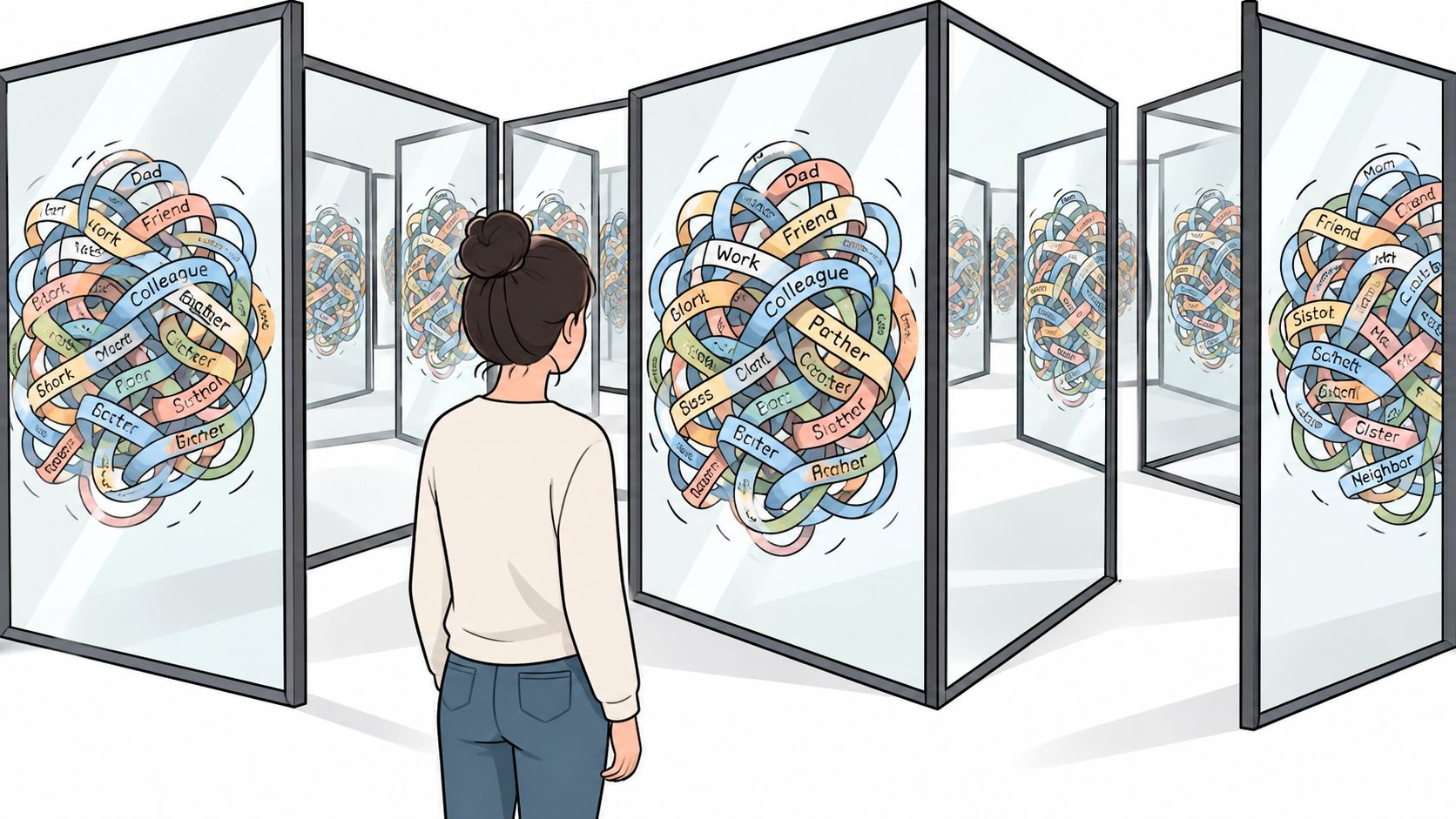
A hundred variants can produce less learning than ten well-labelled variants. The problem isn't only reporting complexity. Meta's standard creative breakdown doesn't expose individual element performance for Dynamic Creative campaigns, so advertisers need a separate Dynamic Creative Element breakdown to inspect which components received delivery and how they performed.
A campaign can report a good CPA while hiding an uneven distribution. One headline may have absorbed most of the spend. One video may have received limited delivery but generated the strongest conversion rate. Without element-level analysis, the buyer may scale the average and miss the actual driver.
Separate delivery from lift
Use a naming taxonomy before launch. Every asset should identify the strategic variable it represents, not just the file type.
- Hook code: Label the opening claim or problem angle.
- Visual code: Identify the product shot, creator, demo, or graphic treatment.
- Offer code: Record the promotion or commercial proposition.
- Market code: Mark language, geography, or market-specific references.
- Ratio code: Distinguish Feed-ready from vertical placement assets.
Keep a launch manifest outside Ads Manager. Record the asset IDs, intended combinations, market eligibility, approval status, and the hypothesis behind each group. Then compare delivery against the intended design, rather than assuming Meta gave every input a fair opportunity.
More variants increase the search space. They don't automatically increase the quality of the answer.
A 2025 study of 21,300 consumers across 30 markets and 974 senior marketers found that more than 70% of marketers value AI predictions for evaluating creatives that might otherwise remain untested, while more than 80% agree that early creative research and consistent testing improve outcomes, according to Digiday's report on the state of ad creative. Those findings support a disciplined workflow, not blind expansion.
Use market-level controls when localisation changes the proposition. Monitor fatigue by hook and visual, not only by ad ID. If the same concept appears across multiple placements and campaigns, aggregate its exposure and outcomes where your reporting allows it. The goal is to answer three questions: which element earned attention, which combination generated conversions, and whether the result held across the markets where you plan to scale.
Launching Dynamic Creative at Scale Without Losing Control
A scalable launch starts with a creative manifest, not an upload button. Define the campaign, ad sets, markets, formats, copy groups, asset ratios, UTM values, and approval states before pushing files into Ads Manager.
The production workflow should follow this order:
- Group assets by hypothesis. Separate problem-led hooks, product demonstrations, testimonials, offers, and brand-led executions. Don't mix unrelated ideas to increase the number of combinations.
- Route by aspect ratio. Keep 1:1 assets available for Feed placements and 9:16 assets prepared for Stories and Reels. Automatic detection can reduce sorting work, but a buyer still needs to confirm the routing.
- Enforce names before publishing. Use a consistent ad and ad set naming convention that records market, audience, format, hook, visual, offer, and version. Clean naming protects reporting when the launch contains 100 or more ads.
- Attach UTMs at creation. Map campaign, ad set, ad, market, and creative codes into the tracking structure before publication. Retrofitting UTMs after spend has accumulated creates avoidable gaps.
- Run a post-upload QA pass. Treat the published configuration as a new object that needs verification, not as proof that the intended settings survived upload.
Audit Advantage+ creative at ad level
Meta's Advantage+ creative system can create alternate versions of uploaded images and videos. Enhancements may include placement-specific crops, brightness adjustments, subtle motion, text overlays, image templates, and background generation. The Meta Advantage+ creative workflow lets advertisers disable unwanted enhancements at the ad level and edit selected ads in bulk from the Ads tab.
Open the ad-level Advantage+ creative section after upload. Review the number of active enhancements, inspect Advanced Preview by placement, and disable or customise anything that conflicts with the test design. This step matters when the test depends on preserving the exact source creative, claim hierarchy, or visual treatment.
Manual uploads can also create setting drift if Meta re-enables an enhancement during the launch process. A workflow with an auto-disable control can lock the intended state after upload rather than relying on a buyer to inspect every ad repeatedly.
Rapid Ads is one option for this operational layer. It supports bulk uploading of images, videos, and copy, naming conventions at the ad and ad set level, aspect-ratio routing, UTM attachment, multi-account management, and Meta Flexible Ads setup. Its Advantage+ auto-disable feature is designed to keep unwanted enhancements disabled after upload, which is useful when exact creative preservation is part of the experiment.
The tool doesn't replace the measurement plan. It reduces the mechanical risk so the media buyer can spend more time reviewing hypotheses, delivery distribution, and post-launch evidence.
Post-Launch Analysis and When to Refresh or Retire
A Monday review should begin with the Dynamic Creative Element breakdown, not the blended campaign CPA. Identify which images, videos, headlines, and primary texts received meaningful delivery, then compare those elements against conversion quality.
Next, compare asset bundles by market. A hook that works in one market may have weak relevance elsewhere, even when the visual is reusable. Only after those two checks should you compare Flexible Ad variations and decide which combinations deserve more budget or a controlled follow-up test.
Industry research found that 73% of respondents used generative-AI design or production tools in 2024, while 76% relied on A/B testing to optimise advertising creative, according to Motion's creative trends research. AI increases the supply of assets, so the post-launch routine has to protect the quality of the decision.
Refresh when
- Learning remains incomplete: The test hasn't given the key hooks or formats enough comparable delivery to support a decision.
- The decision ceiling is reached: A creative has consumed the spend or evidence you allowed for the hypothesis without showing a commercially useful signal.
- Fatigue appears: Frequency, declining engagement quality, weaker conversion efficiency, or repeated negative feedback indicates that the audience has exhausted the execution.
Retire when
- Spend repeatedly sits in the bottom quartile: The asset keeps receiving delivery without producing a defensible business result.
- The element fails across combinations: Different pairings produce the same weak response, suggesting the issue is the hook, visual, or offer itself.
- It adds cross-market dead weight: The asset consumes operational space or spend in markets where a localised alternative is consistently stronger.
| Scenario | Best Format | Post-Launch Action |
|---|---|---|
| Several related hooks and visuals need exploration | Dynamic Creative | Review element delivery, then isolate the strongest hypothesis |
| One approved offer must remain exact | Static Creative | Preserve the execution and test one controlled variable |
| Multiple placement-ready videos express one idea | Flexible Ads | Compare media variations after element-level review |
| Markets require different claims or language | Separate market asset groups | Analyse each market independently before consolidation |
Run this review every Monday, record the decision in the launch manifest, and promote only assets whose performance remains explainable.
Rapid Ads supports the bulk-upload, naming, UTM, aspect-ratio, multi-account, Flexible Ads, and Advantage+ auto-disable workflow needed to launch dynamic creative without losing control of the test. Visit Rapid Ads to organise your next Meta creative batch around clean inputs and an auditable post-launch process.