A media buyer launching a large creative batch across several markets can lose hours before a single targeting rule is checked. Uploads, hand-built UTM strings, inconsistent campaign names, and Meta settings that drift between ads create reporting problems before delivery even starts. The issue isn't only link creation. It's the gap between what the buyer intended to publish and what the analytics, CRM, and ad platforms eventually record.
These ten tools address different layers of that workflow. Some build links, some enforce naming governance, some attach source data to form submissions, and others extend measurement into mobile attribution or server-side conversion feedback. The comparison ranks them by where they control the Meta Ads process, how much setup and governance they require, and where they stop fitting as account, creative, or event volume grows.
For Meta advertisers, the practical question isn't which UTM tracking tool has the longest feature list. It's whether the tool prevents naming drift at launch, preserves parameters through the click path, or gives Meta cleaner conversion signals after the click. Those are separate jobs, and the best choice depends on where your current workflow fails.
Table of Contents
- 1. Rapid Ads
- 2. UTM.io
- 3. CampaignTrackly
- 4. Claravine
- 5. Attributer
- 6. Bitly
- 7. Branch
- 8. RedTrack
- 9. Voluum
- 10. Cometly
- Top 10 UTM Tracking Tools Comparison
- Matching Your UTM Stack to Where Tagging Fails
1. Rapid Ads
Rapid Ads operates at the Meta campaign launch layer, where inconsistent names, links, and settings can enter the workflow. A buyer can upload creatives, apply naming templates, build URL parameters, and attach UTMs through one process instead of repeating those actions for every ad in Ads Manager. The result is tighter control over how campaign data is created before delivery begins.
The clearest documented trade-off is setup time. Rapid Ads' published example records 100 creatives uploaded in about 8 minutes 39 seconds versus about 1 hour 57 minutes manually. That comparison comes from the company's own product material, so teams should test it against their creative preparation, review, and approval steps. It is more useful as a workload benchmark than as a guaranteed saving.
Where Rapid Ads controls the workflow
The tool fits teams publishing dozens or hundreds of Meta creatives across ad sets, markets, or accounts. Drag-and-drop uploads, AI grouping, automatic aspect-ratio detection for 1:1 and 9:16 assets, bulk AI or CSV copy import, Flexible Ads support, and cloning reduce repeated launch work. Automatic UTM tagging places parameter governance inside ad creation, which lowers the chance that a buyer must repair links after publication.
Rapid Ads also addresses configuration drift through its Advantage+ auto-disable feature. It locks off Meta's Advantage+ creative enhancements after manual configuration, helping preserve a fixed creative or placement setup during a test. That control concerns experiment consistency rather than attribution. It can keep the published ad closer to the intended design, but it cannot establish what happened after the click.
Practical rule: Put UTM governance inside ad creation. A naming spreadsheet kept outside the publishing workflow leaves each bulk launch exposed to inconsistent values.
The dashboard supports unlimited ad accounts, team seats without shared logins, custom naming conventions at ad and ad-set level, and actions such as duplicate and copy-from or copy-to. Its free plan includes 10 uploads. Paid plans start at $39 per month, while team seats cost $29 per seat per month. Paid plans include 24/7 support and a 14-day money-back guarantee, according to the Rapid Ads platform information. Agencies should compare those costs with the internal time required for manual publishing and review.
Where it stops fitting
Rapid Ads is designed for Meta launch operations, so teams buying media across TikTok, Google, or other channels need separate tooling for those workflows. The free plan also limits uploads to 10, while larger teams and heavier usage move into paid tiers.
Its boundary is operational rather than analytical. Rapid Ads can hand the measurement stack a consistently tagged, correctly named ad, but attribution still depends on the systems receiving and interpreting the resulting click and conversion data. For Meta-first buyers, that makes it a launch-control tool, not a cross-channel attribution platform.
2. UTM.io
UTM.io is the strongest fit when the problem is governance across contributors, rather than bulk creative publishing inside Meta Ads Manager. It provides templates, conventions, approved values, rules, workspaces, roles, and a global admin panel. That makes it useful for agencies managing multiple clients or internal teams where one person creates the campaign and another builds the final ad.
The distinction matters because a URL builder can append valid parameters while still allowing inconsistent values. Google recommends utm_source, utm_medium, and utm_campaign as the practical core, with utm_content for creative differentiation and utm_term for paid-search keywords. For Meta, a controlled structure might use a canonical platform source, paid_social as the medium, the exact campaign name for utm_campaign, and stable creative or placement values in utm_content, based on Google's campaign URL guidance.
Governance depth versus launch speed
UTM.io's bulk link builder, dynamic variables, Chrome extension, shortener, click tracking, QR codes, Bitly integration, API, and Zapier support reduce manual link creation. Unlimited users across tiers are particularly relevant to agencies, although advanced governance features such as attributes and conventions are reserved for higher tiers. API rate limits can also apply unless the team upgrades.
A useful operating model is to make the UTM.io workspace the source of approved values, then pass the resulting template into the Meta launch process. That separates who is allowed to define naming from who publishes ads, without relying on memory or an ungoverned spreadsheet.
UTM.io is not a revenue attribution system. It can create and organize campaign links, but it won't independently resolve view-through conversions, cross-device identity, consent loss, or differences between Meta Ads Manager and GA4. Those limitations apply to UTM data generally, because UTMs identify tagged clicks rather than proving causation, as explained in Adobe's UTM attribution documentation.
For a team that needs naming control before launch, UTM.io is more appropriate than a basic link shortener. For a Meta operation where the main bottleneck is uploading and configuring hundreds of ads, Rapid Ads reaches further into the publishing workflow.
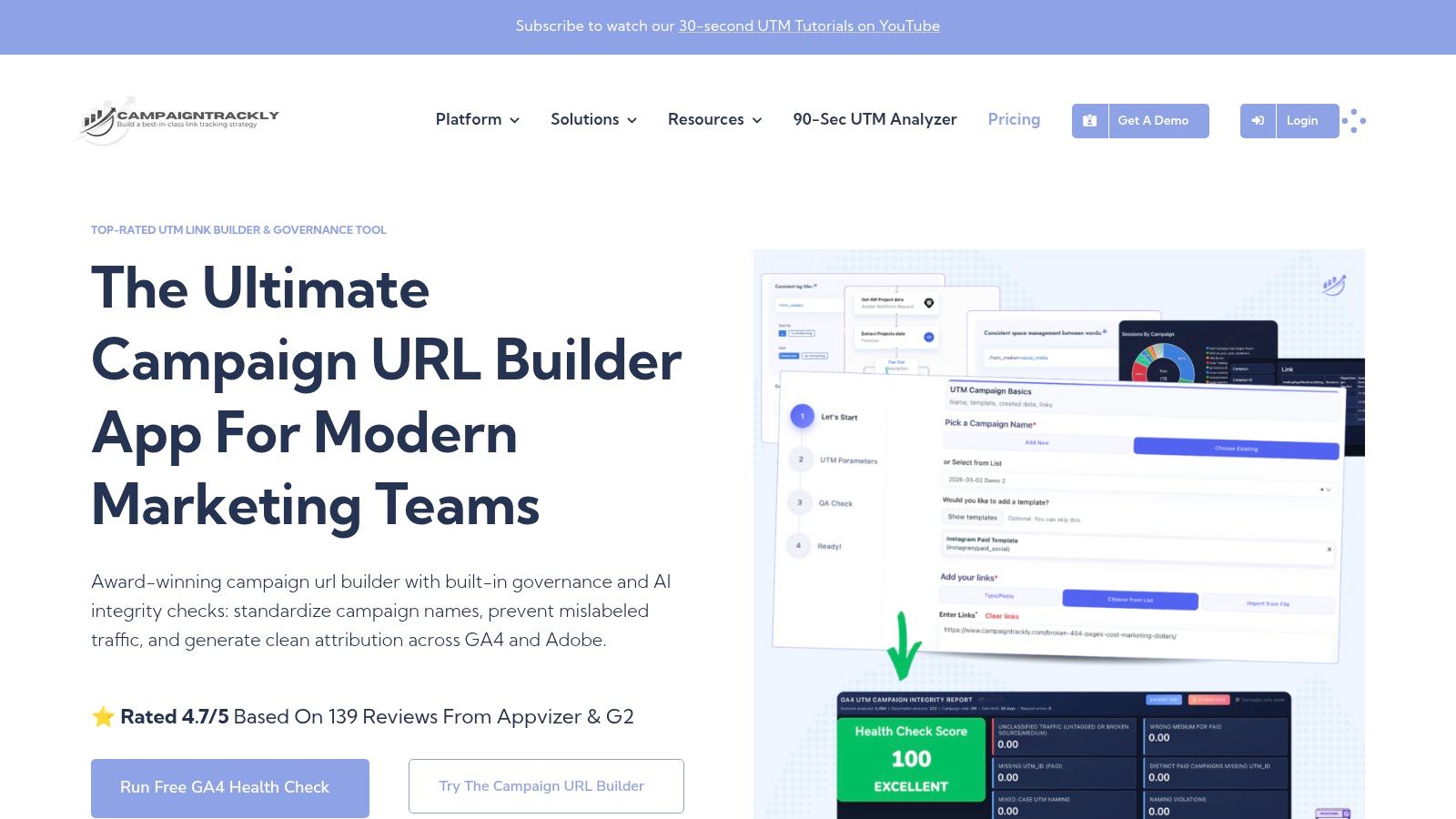
3. CampaignTrackly
CampaignTrackly targets teams that create tracking links through more than one production environment. A media buyer may work in the web interface, an operations manager may use an Excel add-in, and a marketer may create a link from a Chrome or Edge extension. CampaignTrackly supports those paths while retaining templates, workspaces, metadata, taxonomies, QR codes, short URLs, and custom campaign fields.
That flexibility makes it a practical choice for agencies and small teams that still depend on spreadsheets. The Excel add-in is the differentiator because it lets a team turn an existing campaign planning sheet into a controlled link-generation process instead of copying values into a browser one URL at a time.
A better fit for planning than attribution
CampaignTrackly offers unlimited UTM tags and custom metadata on paid plans, along with browser extensions and QR-code generation. Its entry pricing is positioned for individuals and small teams, and free trials are available. Advanced integrations and API access are tied to higher plans, while enterprise details require a sales conversation. Teams should confirm the current plan structure before budgeting because the published product information doesn't establish a single universal cost for every deployment.
The tool helps standardize data before a Meta URL is published. It does not turn a UTM into a complete attribution record. If a redirect, checkout domain, email system, or landing-page navigation removes parameters, the link-generation layer can't recover them by itself. Google notes that missing or incorrect tracking can cause visits to appear as direct traffic, and third-party carts may require cross-domain tracking, according to Google's campaign measurement guidance.
CampaignTrackly is therefore strongest for creation-method flexibility. It fits a team that wants web, browser, and spreadsheet workflows without abandoning taxonomy control. It becomes less compelling when the central issue is Meta bulk publishing, CRM-level lead attribution, or server-side conversion feedback.
4. Claravine
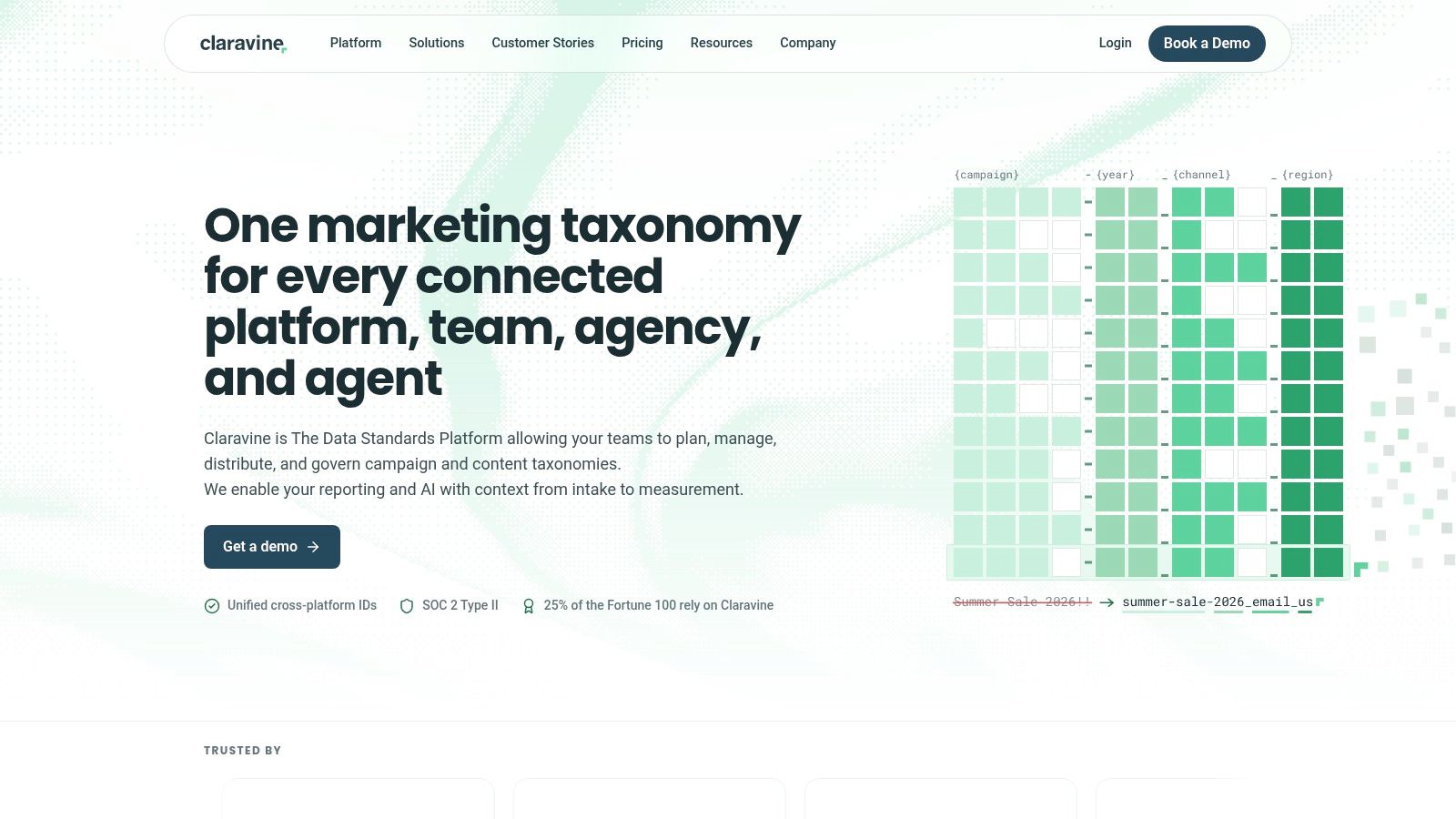
Claravine operates at the enterprise taxonomy layer. It isn't merely a convenient UTM builder. Templates, powered lists, tag validation, field mapping, and inbound and outbound connectors make it suitable for organizations where campaign metadata must remain consistent across brands, regions, agencies, advertising platforms, and analytics systems.
The trade-off is implementation depth. Claravine can connect campaign metadata with environments such as GA4, Adobe, and Snowflake, as well as link-generation systems including Branch, Bitly, and QR Code Monkey. SSO and MFA support strengthen its fit for larger organizations with formal access requirements. Unlimited users across tiers also reduce the pressure to manage per-user access as the organization expands.
When governance becomes infrastructure
Claravine makes sense when a naming error is not just a messy GA4 row but a reconciliation problem between paid media, analytics, data engineering, and finance. Field mapping can help align the value used in an ad platform with the value expected by downstream reporting. Connector-based creation can also reduce the number of places where a buyer manually edits campaign metadata.
The platform does not publish dollar pricing. A sales conversation is required, and that makes the evaluation process slower than selecting a transparent self-serve builder. For a small Meta team that needs tagged URLs for a launch, the governance layer may exceed the operational need.
A governance platform earns its cost when several systems must agree on the same campaign identity. It isn't automatically the right answer for a team that only needs to build links.
Claravine is best viewed as a data standardization control plane, not a Meta publishing tool. It can govern the values that reach Meta and analytics, but it won't replace ad-upload automation, mobile measurement, CRM pipeline attribution, or server-side conversion infrastructure.
5. Attributer
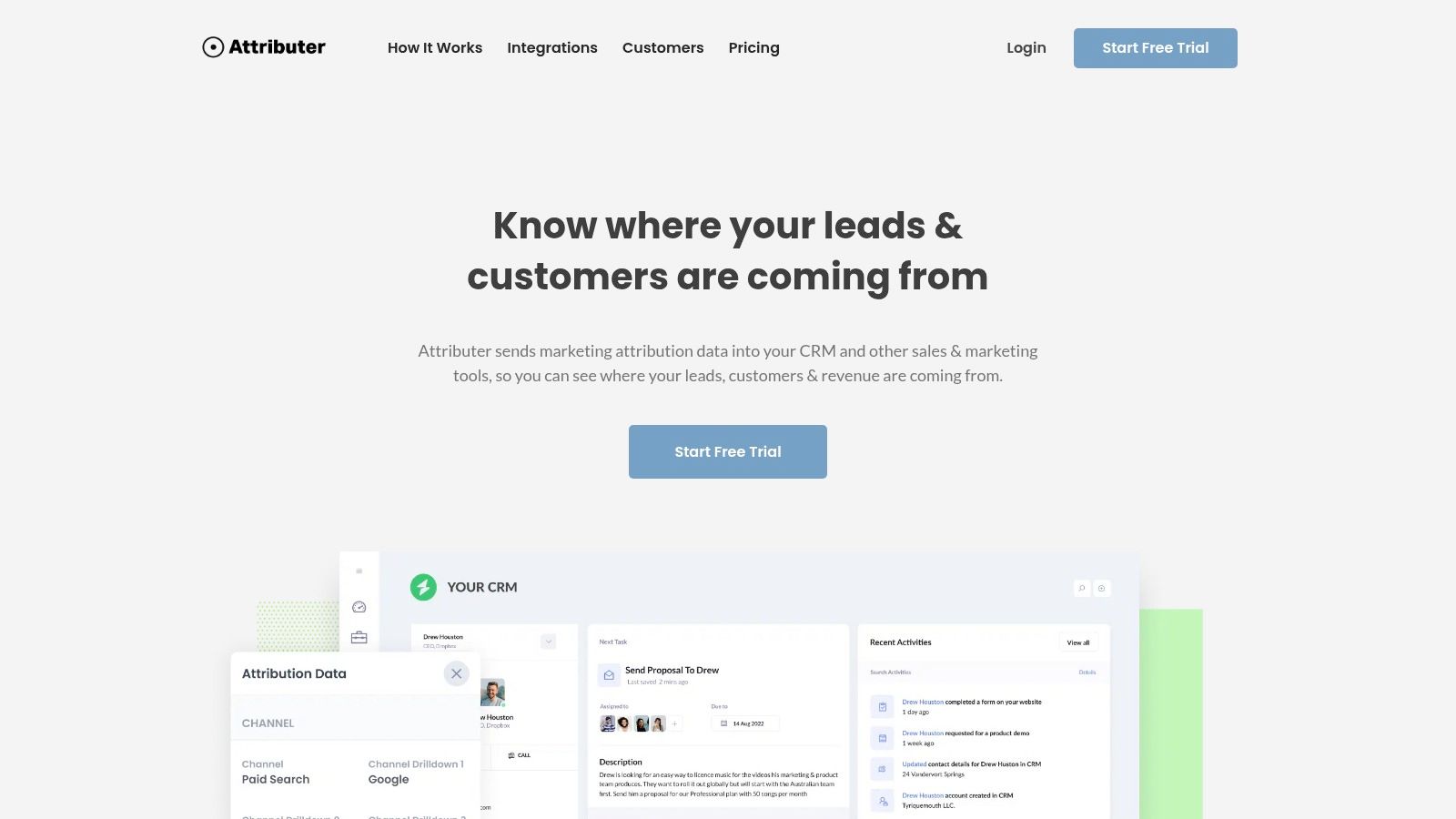
Attributer solves a narrower problem, and that focus is its advantage. It captures UTM and source data in the browser, places the values into form fields, and passes them to CRM or marketing systems when the visitor submits. For lead-generation advertisers, the question isn't only which Meta ad received a click. It's whether the source, medium, campaign, and creative are still attached when the lead reaches Salesforce, HubSpot, Pipedrive, or another back-end system.
The deployment is lightweight compared with a broader attribution platform. Plans are sized by leads per month and can support multiple sites. Lite, Starter, and Professional tiers are published with a free trial, giving smaller lead-generation teams a clearer route to testing than enterprise systems with custom quotes.
Strong after the click, weak before it
Attributer doesn't build links, enforce a naming taxonomy, or manage Meta campaign launches. The team still needs a governed creation process, whether that comes from UTM.io, CampaignTrackly, Rapid Ads, or an internal template. If the incoming URL uses inconsistent values, Attributer will faithfully carry inconsistent values into the CRM.
Its value appears at form submission. A media buyer can inspect the campaign metadata associated with a lead, while sales and operations teams can use those fields in CRM workflows. That makes it more useful for B2B and lead-generation campaigns than for a pure ecommerce team focused on purchase events.
The limitation is equally clear. Lead caps per plan may require an upgrade as volume grows, and form-level capture doesn't independently solve cross-device identity, view-through conversions, or platform attribution differences. Adobe describes UTM values as usable within attribution models, but the parameters themselves remain identifiers collected around the click and conversion path, not causal proof.
Attributer is a sensible add-on when the failure occurs between the landing page and the CRM. It isn't a replacement for the UTM builder that created the URL or the conversion system that sends qualified outcomes back to Meta.
6. Bitly
Bitly is the practical choice when the workflow needs short links, branded domains, QR codes, and fast distribution alongside UTM parameters. Its UTM Builder is available on Core and higher plans, while branded domains, bulk link creation, QR codes, basic landing pages, API access, and webhooks become more relevant as the team grows.
For social and offline distribution, the short-link layer can matter as much as the UTM fields. A QR code on a printed asset or a compact link in a placement is easier to deploy than a long URL with multiple parameters. Bitly also gives teams a familiar interface for creating and tracking those links.
Useful distribution infrastructure, limited governance
Bitly supports campaign-level tracking on Premium and higher plans, while advanced analytics also require higher tiers. The product information identifies a low-cost Core plan, but the exact current price should be checked before purchase. The key trade-off is that Bitly is optimized for link management and click measurement, not strict naming governance.
That distinction matters for Meta. A shortener can preserve a clean-looking destination and make link creation quicker, but it won't automatically prevent a buyer from using different source values across campaigns unless the organization imposes its own rules. It also doesn't establish that the click caused the conversion.
A reliable Bitly deployment needs a test from the exact Meta ad URL through the shortener, landing page, checkout, and conversion event. Adobe's documentation emphasizes the importance of preserving UTM values through redirects and downstream journeys, which is why a shortened link should be tested rather than assumed to be transparent.
Bitly fits a team that values branded distribution and quick link operations. It stops fitting when the main requirement becomes taxonomy enforcement, form-level lead capture, or server-side feedback to Meta.
7. Branch
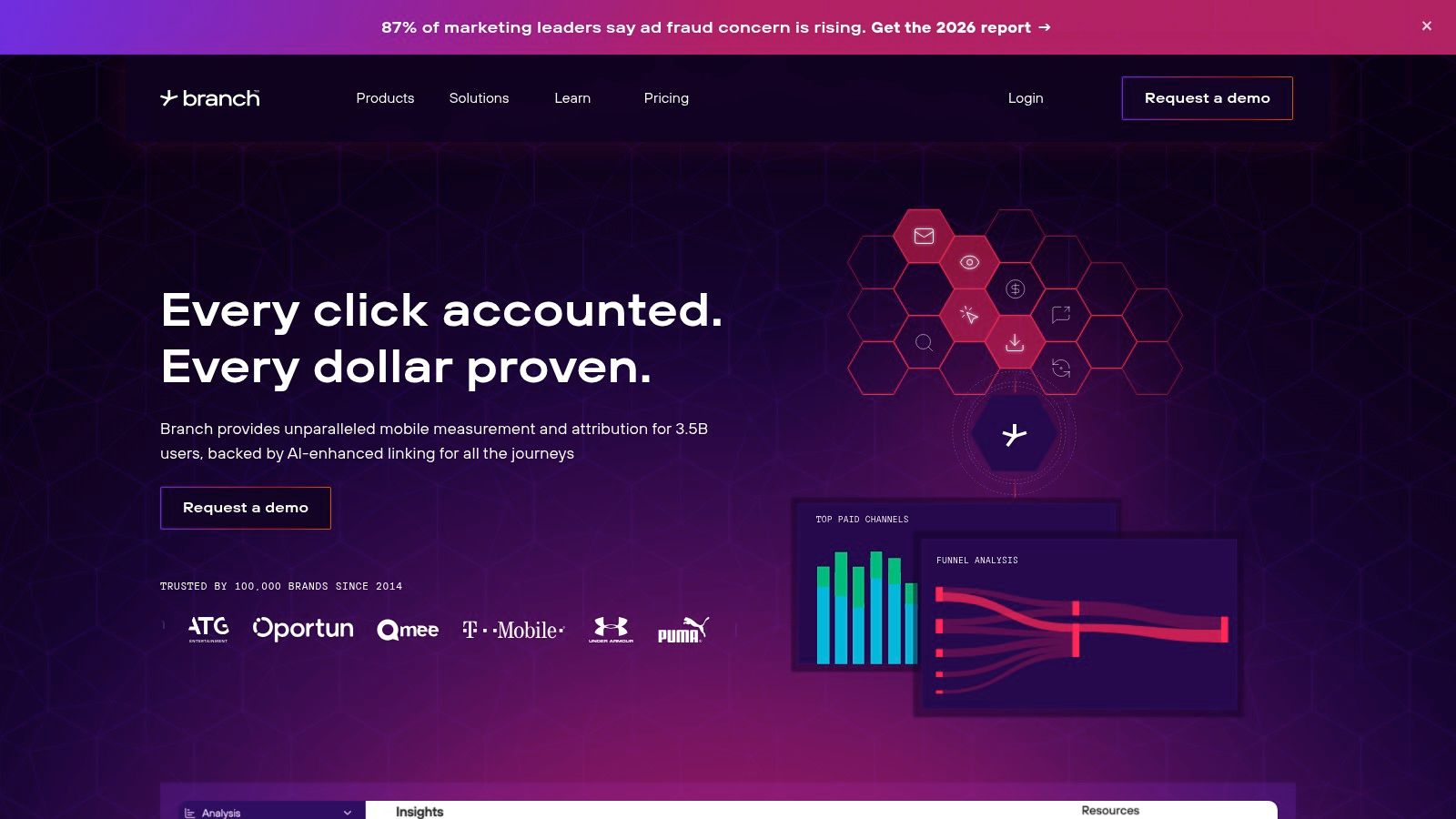
Branch belongs to the mobile measurement and deep-linking layer, not the conventional UTM builder category. It supports mobile and cross-channel ad attribution, SKAN, deep links, deferred deep links, fraud prevention, LTV and retention tracking, partner integrations, and postbacks to advertising platforms.
For an app advertiser, the landing destination isn't always a web page. The user may need to reach a specific in-app screen, install the app first, and then continue to the intended experience. Branch addresses that routing problem while aligning paid media parameters and first-party attribution across channels.
When Meta traffic ends inside an app
Branch is more relevant when a Meta campaign promotes an app, app subscription, or mobile commerce journey. Deep linking can route an existing user directly into the appropriate destination, while deferred deep linking can preserve the intended route for someone who installs before opening the content. SKAN support addresses the measurement constraints associated with iOS advertising environments.
The platform offers a free trial option on its Basics tier and scales toward enterprise requirements, but public dollar pricing isn't available. That makes cost planning less direct than with self-serve UTM tools. It also creates a clear mismatch for web-only advertisers who don't need app routing, partner postbacks, or mobile measurement.
Branch doesn't replace campaign naming governance. The Meta team still needs consistent utm_source, utm_medium, utm_campaign, and creative values, plus a process for validating that parameters survive the route. Its role begins when the journey crosses into mobile measurement and app attribution.
8. RedTrack
RedTrack moves beyond link creation into ad tracking, event collection, spend synchronization, and server-side conversion feedback. That makes it relevant to media buyers comparing Meta Ads Manager with GA4 or other platform reports, especially when they need to send cleaner events back to multiple ad platforms.
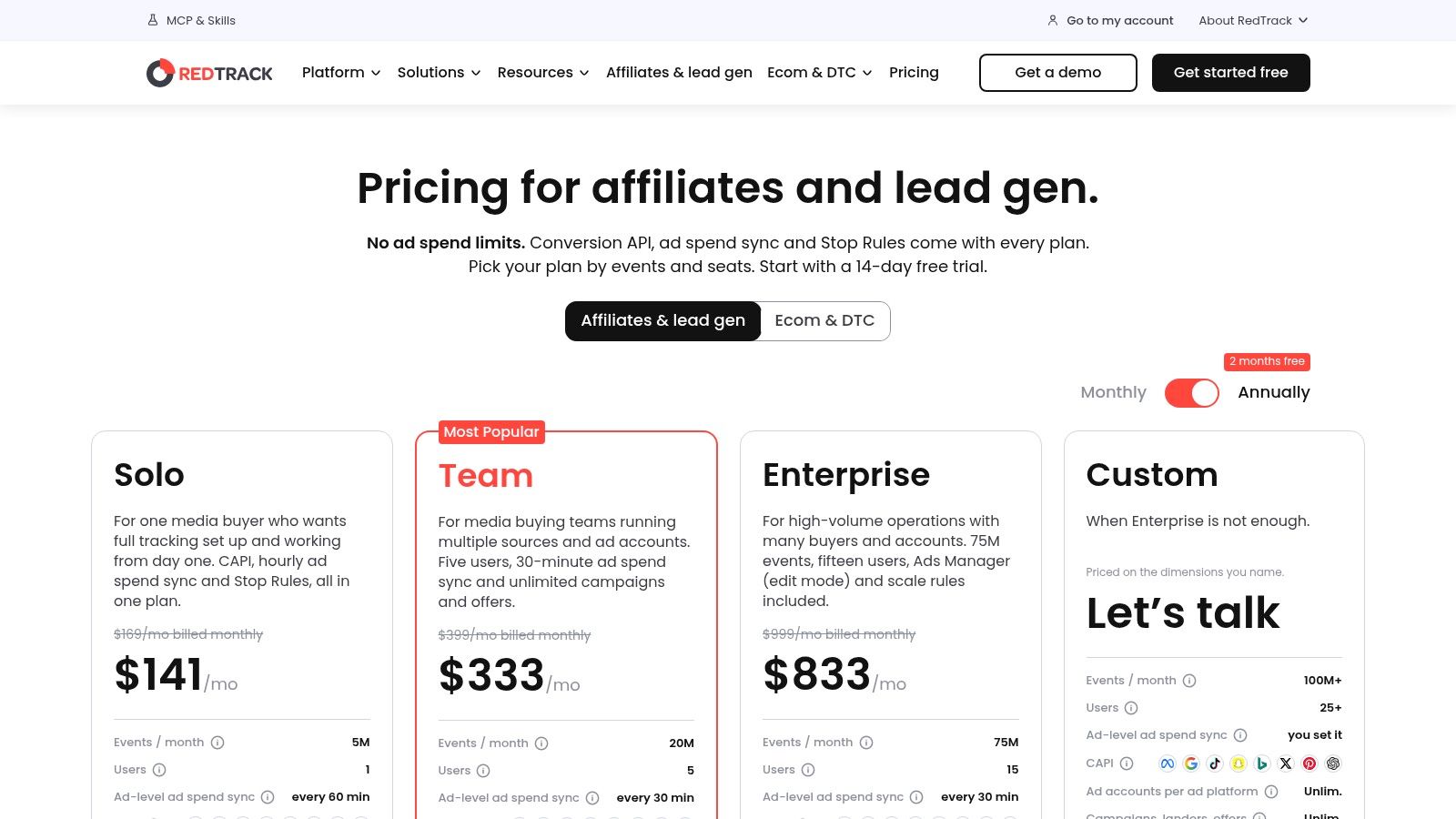
The platform supports redirect and direct no-redirect tracking, native Conversion API support across platforms on every plan, ad-spend synchronization, unlimited campaigns and traffic channels, and custom domains with SSL. Automation add-ons include scale rules and Ads Manager functions. This is a substantially broader operational layer than a simple UTM builder.
The cost of event-based depth
RedTrack publishes pricing, event limits, overage rates, and monthly or annual billing. It also offers a 14-day trial, according to its published pricing information. That transparency helps a buying team model cost against tracked events instead of guessing from a sales quote.
The trade-off is that event-based pricing can increase at very high traffic volumes because overages apply. RedTrack also requires more implementation and learning than UTM.io, Bitly, or a lightweight form-capture tool. The team must define events, domains, platform integrations, conversion rules, and reconciliation procedures.
UTMs remain useful inside RedTrack as standardized campaign and creative dimensions. They still don't independently resolve view-through conversions, cross-device identity, consent loss, or platform-specific conversion windows. RedTrack's value is that it can combine URL parameters with first-party events and server-side feedback, giving the buyer a richer operational signal.
That makes RedTrack a strong fit when the media team needs to optimize across Meta, Google, TikTok, and other channels. It becomes excessive when the requirement is only to enforce a campaign naming convention before publishing a small number of links.
9. Voluum
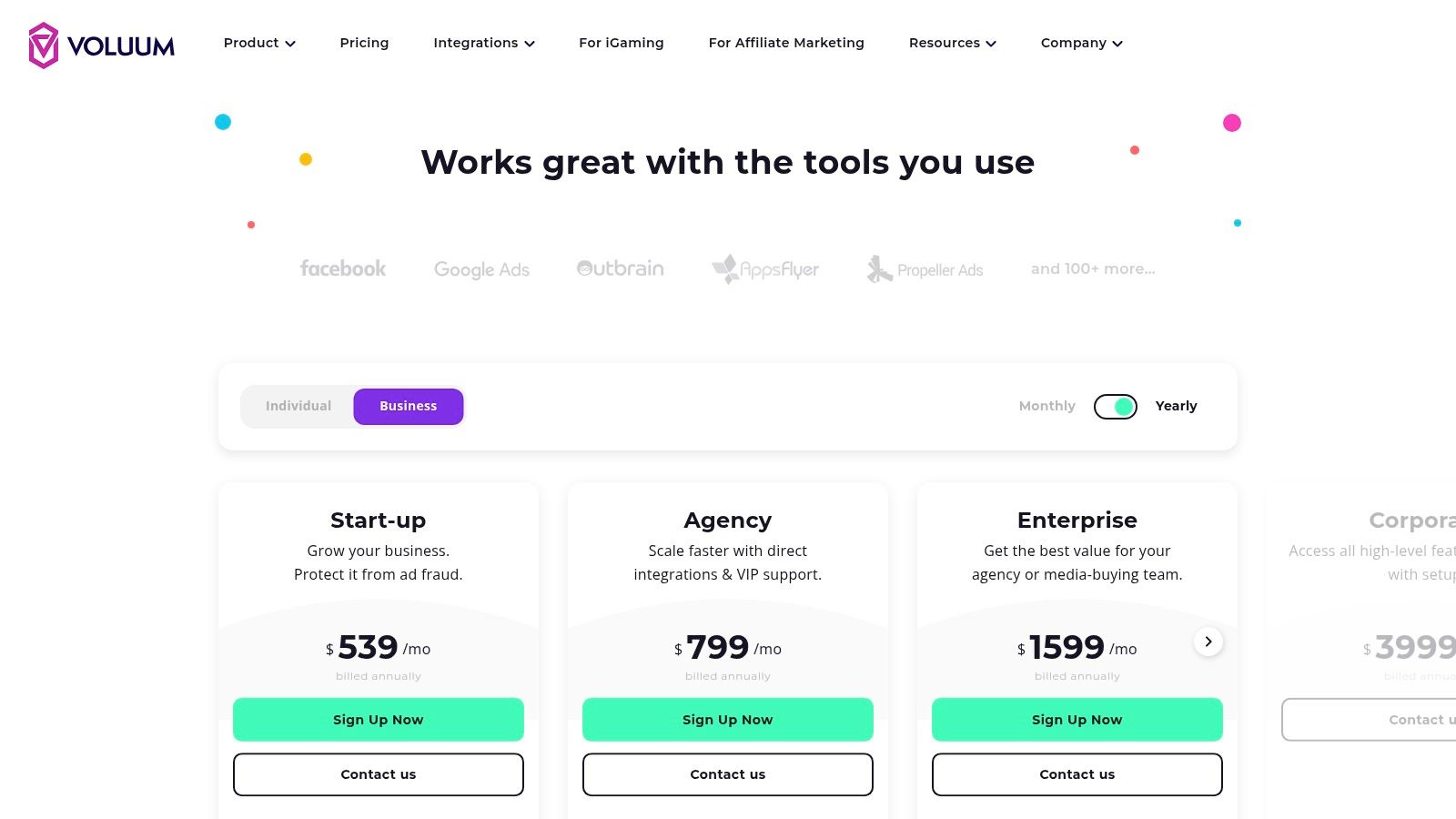
Voluum is a mature ad tracker for teams that need granular funnel measurement and optimization controls around paid traffic. It handles UTMs and custom parameters, tracks clicks and conversions across channels, centralizes spend and conversion data, and provides automation and cost synchronization with ad platforms.
Its fit is strongest for media buyers who already think in terms of traffic flows, event quotas, redirects, conversion paths, and campaign rules. Ecommerce workflows and onboarding support are available for relevant plans, while documented pricing mechanics and overage handling help teams forecast the cost of higher event volume.
More control means more operating overhead
Voluum gives a buyer more than a naming tool. A team can use it to organize multi-channel journeys and build automation around campaign performance, rather than stopping at the point where a tagged URL is created. That additional control comes with setup work and a learning curve.
Event quotas and overage fees can add up for very high-volume accounts. Buyers should model the expected click and conversion load, then test whether the reporting and automation depth changes budget decisions enough to justify the operational burden. A simple UTM workflow may be more efficient if the team only needs consistent utm_source, utm_medium, and utm_campaign values.
Voluum also doesn't eliminate the need for disciplined naming. Custom parameters can increase analytical detail, but uncontrolled values can fragment reports into incompatible buckets. Google recommends a practical core of source, medium, and campaign, with additional fields used for meaningful distinctions rather than indiscriminate tagging.
Voluum becomes a full tracking environment rather than a UTM tracking tool in the narrow sense. That is its strength for advanced paid acquisition teams, and its stopping point for buyers who only need link governance.
10. Cometly
Cometly is the clearest option in this list for teams whose main question is which campaigns and ads produced pipeline or revenue, not merely which links received clicks. It connects ad platforms with CRMs, supports server-side conversion syncing through CAPI, aligns CRM records with acquisition data, and provides reporting and analysis for paid acquisition teams.
That makes it particularly relevant to B2B advertisers and lead-generation operations where the conversion event inside Meta isn't the final commercial outcome. A lead can become qualified, enter an opportunity stage, or produce revenue later. Cometly's purpose is to connect those downstream records back to acquisition reporting.
The point where a UTM tool becomes attribution software
UTMs feed Cometly's multi-touch views, but the platform's value comes from combining them with ad-platform integrations, CRM data, and server-side conversion records. That is a different category from UTM.io or Bitly. The buyer is no longer purchasing a way to build a link. They're purchasing a system for interpreting and returning conversion information.
Cometly emphasizes clean CAPI and CRM alignment rather than surface-level click metrics. It also provides an Ads Manager-style workflow and AI-assisted analysis. Pricing is custom, with onboarding emphasized on the pricing pages, so there isn't widely published fixed pricing for a straightforward self-serve comparison.
The limitation is fit. A web team that needs consistent campaign links doesn't need Cometly's full attribution layer. A performance team trying to reconcile Meta conversions with CRM-qualified leads may find that a basic link builder ends too early.
Measurement boundary: UTMs identify the tagged click. They don't prove that the click caused the conversion. Server-side events, CRM outcomes, and documented attribution rules supply the additional context.
Top 10 UTM Tracking Tools Comparison
| Product | Core features | UX / Quality | Value & Pricing | Target audience | Unique selling point |
|---|---|---|---|---|---|
| Rapid Ads 🏆 | Drag-&-drop bulk upload, AI grouping, aspect-ratio auto-route, Flexible Ads, Advantage+ auto-disable | ★★★★★ | 💰 From $39/mo, free starter (10 uploads), team seats $29/seat/mo, 14‑day money‑back | 👥 Media buyers, dropshippers, DTC brands, agencies | ✨ One‑click bulk launch (100s ads in minutes), preserves creative intent |
| UTM.io | Templates/rules, bulk builder, workspaces, shortener & API | ★★★★ | 💰 Tiered plans, free trial for Enterprise features | 👥 Marketing ops, agencies needing governance | ✨ Strong UTM governance & standardized taxonomies |
| CampaignTrackly | Web/browser builders, Excel add‑in, QR/short links, templates | ★★★★ | 💰 Competitive entry pricing; free trial available | 👥 Individuals & small teams | ✨ Multiple builders (Excel + browser) for fast link creation |
| Claravine | Templates, tag validation, connectors, field mapping | ★★★ | 💰 Enterprise pricing (contact sales) | 👥 Large enterprises, multi‑brand orgs | ✨ Deep governance + connectors (GA4, Adobe, Snowflake) |
| Attributer | Client‑side UTM capture, injects into forms, CRM push | ★★★★ | 💰 Plans by leads/month; free trial | 👥 Lead‑gen teams, CRMs (HubSpot, Salesforce, Pipedrive) | ✨ Ensures clean UTMs at form submission → CRM |
| Bitly | UTM builder (Core+), branded domains, QR, bulk links | ★★★★ | 💰 Tiered pricing (Core/Premium), branded domains on paid plans | 👥 Marketers needing short/branded links & tracking | ✨ Branded short links + QR + link analytics in one tool |
| Branch | Deep linking, cross‑channel attribution, SKAN, postbacks | ★★★ | 💰 Contact/sales for pricing; free Basics trial | 👥 Mobile/app teams, attribution specialists | ✨ Robust mobile deep linking & deterministic attribution |
| RedTrack | Click & conversion tracking, native CAPI, spend sync | ★★★★ | 💰 Published pricing, 14‑day trial, event‑based plans | 👥 Media buyers, affiliates, multi‑channel advertisers | ✨ Built‑in CAPI + cost syncs for accurate attribution |
| Voluum | Multi‑channel tracking, automation rules, cost syncs | ★★★★ | 💰 Documented tiers with event quotas & overages | 👥 Media buyers needing granular funnel control | ✨ Granular campaign automation & detailed funnel analytics |
| Cometly | Ad↔CRM connectors, server‑side CAPI, AI analysis | ★★★ | 💰 Custom pricing (sales) | 👥 Paid acquisition & revenue teams | ✨ Revenue‑focused CAPI→CRM alignment with AI insights |
Matching Your UTM Stack to Where Tagging Fails
The right choice depends on the layer that breaks first.
If buyers edit URLs manually during bulk ad creation, Rapid Ads is the most direct intervention. It combines automatic UTM attachment with bulk uploads, naming conventions, creative grouping, aspect-ratio routing, and Meta-specific controls such as Advantage+ auto-disable. That combination attacks the operational source of drift before ads leave the launch workflow.
If several contributors create links across brands or markets, UTM.io offers deeper governance. Templates, rules, approved values, permissions, and workspace controls help separate an acceptable taxonomy from the many almost-identical values that fragment reporting. CampaignTrackly is more attractive when spreadsheet and browser workflows are central, while Claravine is better suited to enterprise organizations that need connectors, validation, field mapping, and formal access controls.
If the source data reaches the landing page but disappears before a lead reaches the CRM, Attributer addresses that handoff. It captures source information into form fields and passes it to back-end systems. It won't enforce campaign names or replace a conversion platform, but it solves a specific lead-operations failure without forcing a full attribution implementation.
For short links, branded domains, QR flows, and distribution analytics, Bitly is the simpler choice. For app campaigns, Branch extends the measurement layer into deep linking, SKAN, partner postbacks, and mobile attribution. Those tools stop making sense when the team runs web-only campaigns and doesn't need their specialized infrastructure.
RedTrack, Voluum, and Cometly belong further down the stack. They add event tracking, spend synchronization, automation, CRM alignment, server-side conversion feedback, or broader attribution views. That's where a UTM tracking tool starts becoming a full attribution platform. The additional capability can improve decision-making, but it also introduces event limits, implementation work, overage exposure, or sales-led pricing.
Use a real Meta launch batch for evaluation rather than a sample URL. Count how many fields buyers still edit by hand. Test redirects, landing-page navigation, checkout domains, form submissions, and conversion events. Reconcile source, medium, campaign, and creative values against Meta's platform records, then document which system owns which decision. Google also supports dynamic fields including utm_id, utm_source_platform, and utm_creative_format, but adding fields without governance can create more reporting fragmentation instead of more truth.
Finally, choose the smallest stack that controls the failure you can observe. A naming problem doesn't require a mobile measurement platform. A CRM attribution problem won't be fixed by a shortener. A Meta launch bottleneck won't disappear because the analytics dashboard has more features. Test a free tier or trial against the actual workflow, measure the manual work that remains, and commit to the paid plan and seat count only after the tool proves it can preserve the data through the complete click-to-conversion path.
Rapid Ads combines bulk Meta publishing with automatic UTM attachment, naming conventions, creative grouping, and controls that keep Advantage+ settings from drifting during launch. If your team is still building URLs and configuring ads one by one, test the workflow with a real batch through Rapid Ads and see how much manual setup remains before you add another attribution layer.