You probably don't need another CRM comparison.
You already know the standard stack. HubSpot for pipeline, ClickUp or Asana for delivery, Slack for internal comms, AgencyAnalytics or Whatagraph for reporting. Those tools matter, but they usually aren't what's slowing a performance agency running Meta at volume.
The slowdown happens at the end of the workflow, right before launch. A buyer has the structure ready, the copy approved, the creative folder organised, UTMs mapped, and the campaign logic signed off. Then Meta Ads Manager turns a simple deployment task into a long sequence of clicks, previews, reloads, naming inconsistencies, and settings checks. If your team is launching lots of variants across multiple accounts, that last mile becomes the operational choke point.
Table of Contents
- The Real Bottleneck in Your Agency Is Not What You Think
- Defining Your Agency's Core Software Requirements
- Building Your Vendor Evaluation Matrix
- Running Effective Software Trials That Give Clear Answers
- Planning the Migration and Implementation Rollout
- Beyond Tools Optimizing Agency Operations for Growth
The Real Bottleneck in Your Agency Is Not What You Think
Most agencies misdiagnose the problem.
They think growth is constrained by strategy depth, client demand, or buyer capacity. Sometimes that's true. But in a lot of Meta-heavy agencies, the primary drag is repetitive deployment work inside Ads Manager. Good media buyers lose hours doing work that isn't strategic at all: uploading creatives, checking naming, duplicating ad sets, fixing broken previews, reapplying settings, and making sure Meta hasn't reintroduced something they previously turned off.
That's why most lists of software for digital marketing agency teams feel incomplete. They focus on planning and reporting layers while skipping the production layer where campaigns get launched. As LucidLink's coverage of marketing agency software points out, most guides overlook bulk creative workflow automation for Meta ads, even though this click-heavy bottleneck is a daily operational crisis for agencies scaling 100 to 200+ ads.
Why this hurts more than people admit
The pain isn't only time.
It's also inconsistency. When one buyer names ads one way, another changes the UTM pattern, and a third forgets to check creative enhancements, reporting gets messy and optimisation slows down. Small setup differences create noisy data. Noisy data creates weak decisions.
Practical rule: If campaign launches depend on memory, your process isn't scalable.
Meta Ads Manager works well enough for smaller launch volumes. It starts breaking down when your agency is running multiple clients, multiple markets, and lots of creative testing at once. That's where the interface stops being an execution tool and becomes a labour multiplier in the wrong direction.
The ignored last mile
Agency owners often invest first in visibility tools because clients see reports. Buyers, however, feel the launch system every day.
The software decision that matters most for a Meta-heavy team is often not “Which dashboard should we use?” It's “How do we get approved creative into the right ad sets, with the right settings, across the right accounts, fast and consistently?” If you solve that, you usually achieve better launch velocity, cleaner reporting, and more buyer time for testing and analysis.
The team you thought needed another hire may actually need a better deployment workflow.
Defining Your Agency's Core Software Requirements
The agency software market keeps growing because the underlying operational problem is real. The market for software dedicated to marketing and advertising agencies is projected to reach USD 105.33 billion by 2025 with a 17.81% CAGR, driven in part by the need to manage unlimited ad accounts and bulk-upload creatives efficiently, according to Data Insights Market's projection for marketing and advertising agency software.
That number matters less than the reason behind it. Agencies don't buy more software because they love tooling. They buy it because manual workflows stop scaling.
Audit the work that buyers actually hate
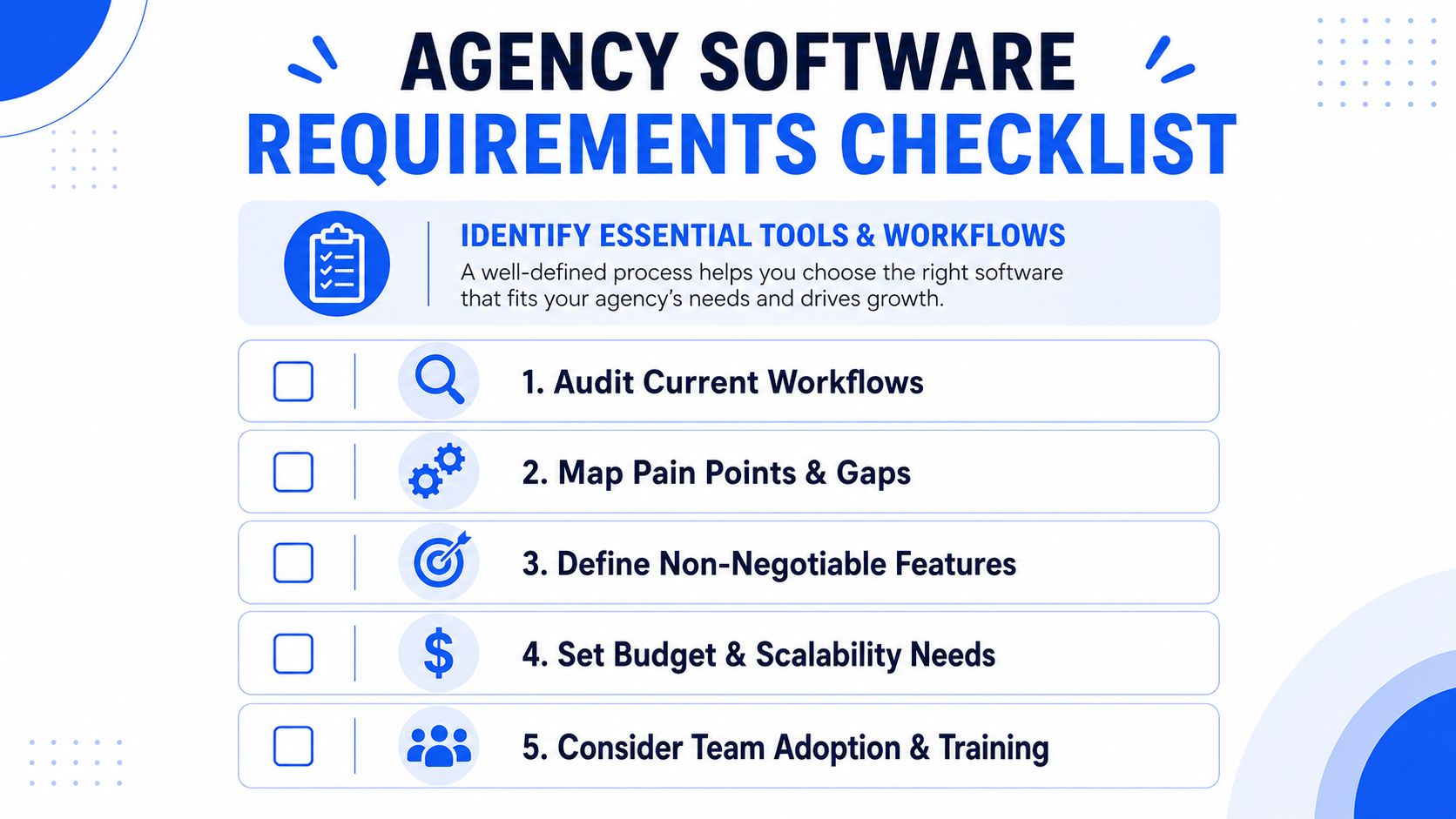
Start with a workflow audit, not a vendor shortlist.
Sit with the people who launch campaigns. Watch one real build from approved assets to published ads. Don't ask broad questions like “What slows you down?” Ask where they click twice, where they copy and paste, where they wait, and where they re-check settings because they don't trust the platform.
A practical audit usually uncovers a few recurring issues:
- Bulk upload friction: Buyers can build the campaign logic quickly, then lose momentum uploading creatives one by one.
- Naming drift: Ad names, ad set names, and UTMs change depending on who launches.
- Multi-account friction: Switching between client accounts introduces mistakes and wasted time.
- Access workarounds: Teams share logins or over-assign permissions because the launch process needs more hands than the current tool setup allows.
- Format sorting: Feed assets, vertical assets, and mixed creative sets create extra manual sorting before launch.
Turn frustration into non-negotiables
Most requirement lists are too vague. “Easy to use” and “saves time” aren't enough.
Your shortlist should have a hard line between must-haves and nice-to-haves. For a Meta Ads operation, the must-haves usually live in execution, not reporting.
Use a requirement framework like this:
Launch speed
Can the tool reduce repetitive setup work when building large batches of ads?Naming enforcement
Can it apply a consistent naming structure at ad and ad set level without relying on the buyer to remember the format?Creative control
Can it preserve the setup you intended instead of forcing manual checks every time you publish?Account management
Can buyers work across multiple client ad accounts from one environment without awkward switching?Team access
Can colleagues launch safely without sharing the main login or broad Business Manager permissions?
If a tool improves reporting but leaves launch operations messy, it fixes the part clients see and ignores the part your team lives in.
A good requirements document also records what failure looks like. If a buyer still has to manually tidy names, manually re-check settings, or manually sort creatives into the right placements, then the software hasn't solved the main bottleneck. It has just added another tab.
Building Your Vendor Evaluation Matrix
A bad software decision usually starts with a bad scoring model.
If the matrix gives equal weight to reporting widgets, AI copy features, and the actual mechanics of building 80 ads across six client accounts, the wrong vendor can win on presentation alone. Agency teams feel the cost later, during launch windows, revision rounds, and handoff between senior buyers and junior executors.
Start with the product doing real work, not with the feature page.
Score execution paths, not software categories
Category labels hide the part that matters. A tool can sit under “Meta ads automation” and still leave buyers doing the same manual cleanup inside Ads Manager.
The evaluation matrix should mirror the last mile of ad operations. Can the team take a messy batch of mixed creatives, approved copy, account-specific naming rules, and placement constraints, then turn that into clean drafts without manual repair work? That is the job. Everything else is secondary.
SE Ranking's guide to tools for marketing agencies points out a common problem with agency software selection. Teams often buy broad platforms, then discover the daily production bottleneck never moved. For Meta-heavy agencies, the matrix should reflect production risk first and admin convenience second.
A matrix that reflects launch pressure
Use criteria that expose operational friction fast.
| Feature/Criterion | What to Look For | Vendor A Score (1-5) | Vendor B Score (1-5) | Vendor C Score (1-5) |
|---|---|---|---|---|
| Bulk creative upload | Batch upload that can handle large creative sets without forcing one-by-one cleanup | |||
| Naming convention control | Rules applied at ad set and ad level, with guardrails against off-format names | |||
| UTM automation | Tagging applied consistently across variants without manual edits in each ad | |||
| Protection against setting drift | Controls that preserve intended setup from draft to publish | |||
| Multi-account management | Fast switching across client accounts without losing context or permissions | |||
| Team access | Seat-based collaboration that avoids shared primary logins | |||
| Creative routing | Reliable handling of feed, story, reel, and mixed-format variants | |||
| Launch UX | Low-click workflow with clear previews and few duplicate actions | |||
| Copy workflow | Reusable text structures, CSV support, or controlled copy assignment at scale | |||
| Scale readiness | Stable performance when multiple buyers build campaigns across several accounts at once |
I would also weight the rows differently. Bulk creative handling, naming control, creative routing, and drift protection should carry more points than dashboard polish. Those are the areas that decide whether launch day stays controlled or turns into cleanup.
What a high score looks like in real operations
Strong software reduces repeated judgment calls. Buyers should not have to remember naming syntax, reapply UTM logic, or re-check whether a creative landed in the wrong placement every time a campaign goes live.
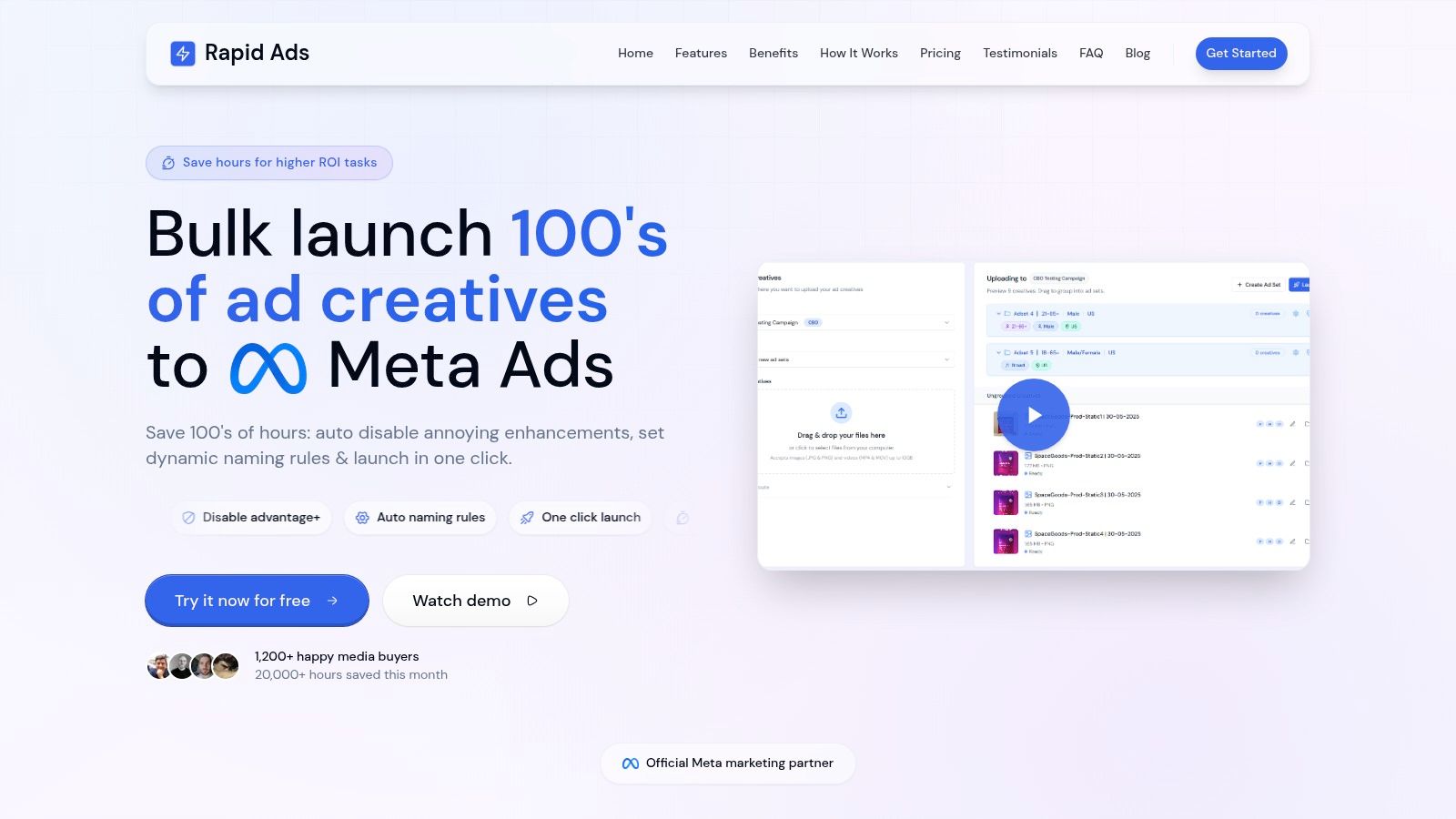
That is the practical distinction with purpose-built tools such as Rapid Ads. The useful test is not whether the platform has an upload button. The test is whether it handles bulk uploads, naming structure, multi-account workflows, and controls for Meta-specific settings inside the build process, before the buyer falls back into Ads Manager to fix everything manually.
Watch the workflow, not just the pitch.
Another scoring area gets ignored too often. Vendors will claim “bulk upload” when the product is really a thinner front end on top of Meta's existing import logic. Coinis's explanation of bulk Facebook ad uploads from spreadsheet shows the underlying constraints clearly. Column headers have to match exactly, and the process is fragile if the file structure changes. If a vendor depends on that same workflow, score the tool based on the actual operator experience, not the label.
A useful matrix asks one question over and over. Does this software remove manual production steps, or does it just relocate them? If the team still has to sort creatives, fix names, check settings, and patch placements before publish, the score should show that.
Running Effective Software Trials That Give Clear Answers
Free trials are where agencies often fool themselves.
A buyer clicks around, imports a few assets, says it “looks good,” and the agency signs an annual contract. Then the team discovers the workflow only feels smooth in a toy scenario. The proper test is a launch simulation with the same messiness your team deals with every week.
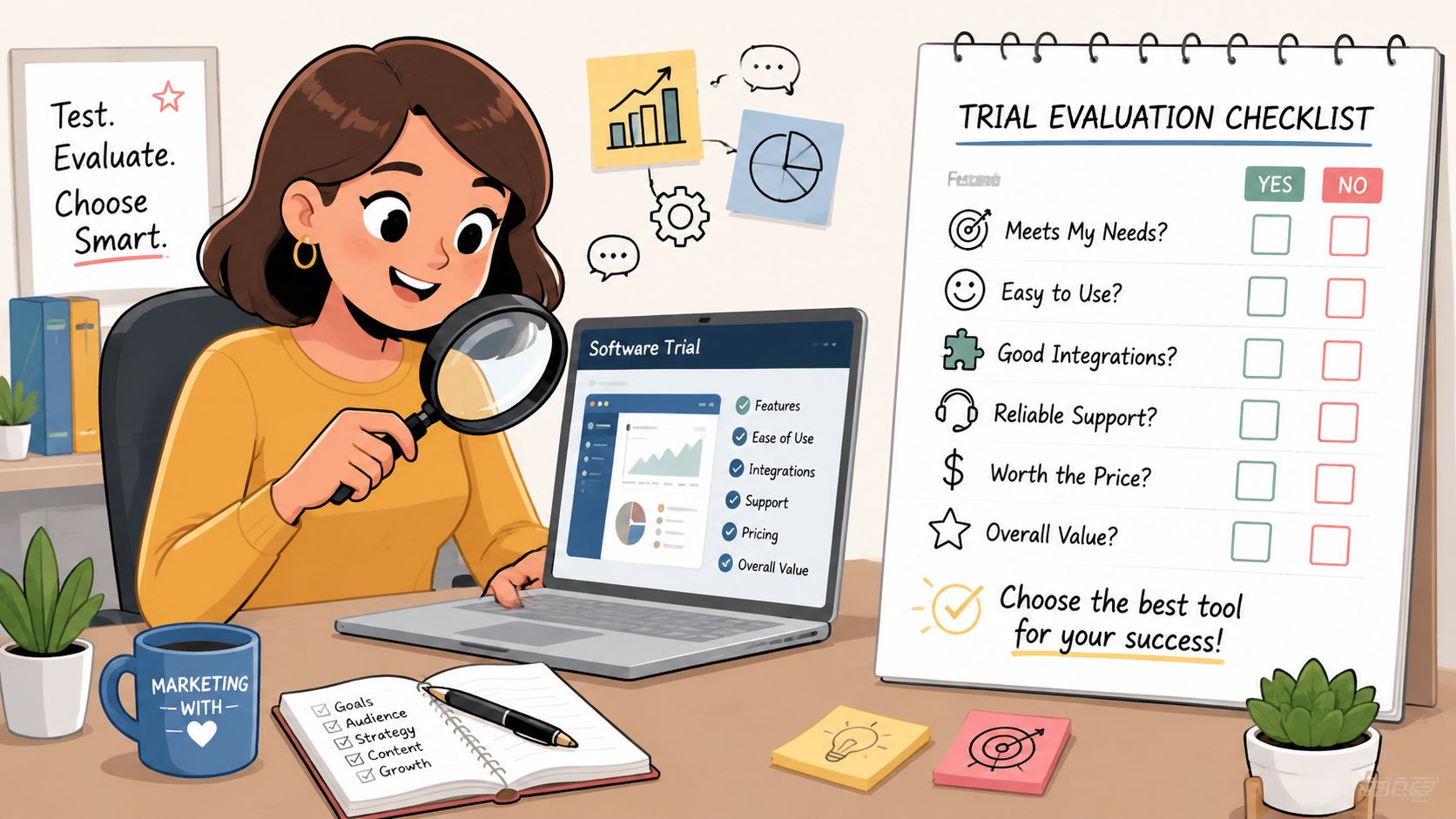
Test under launch conditions
Use a trial brief that mirrors real account pressure.
Have one senior buyer and one junior buyer each run the same task. Give them a campaign with multiple ad sets, mixed asset formats, reusable copy, and enough creative volume to expose friction. Ask them to build it from a clean starting point, not from a preconfigured demo.
The trial should include:
- A realistic creative batch: Enough images, videos, and copy variants to test bulk handling rather than single-ad setup.
- Multiple account context: Have each buyer switch between client environments during the test.
- Naming enforcement checks: Intentionally try to break the naming structure and see what the software allows.
- Last-minute edits: Change a UTM pattern or copy block during setup and watch how the system handles revision.
- Quality control pass: Review the final output prepared for publish, not only what the interface claims it will do.
Questions the trial should answer
You don't need dozens of metrics. You need direct answers.
Ask the buyers these questions after the session:
| Trial question | What a strong result looks like |
|---|---|
| Did the tool reduce repetitive clicks? | Buyers say the workflow removed steps, not just rearranged them |
| Could they trust naming and tagging? | Structure held without manual cleanup |
| Was account switching clean? | No confusion about where assets or drafts belonged |
| Did the tool surface mistakes early? | Errors were visible before publish |
| Would they use it on a high-pressure launch day? | Clear yes from both senior and junior users |
A software trial should create discomfort. If nobody tries to break the workflow, you learn very little.
One more practical check matters for Meta-specific workflows. If your team ever uses native bulk routes, remember that large creative files can trigger upload issues because Meta imposes an approximate 2 MB file size limit for creatives in bulk uploads, as described in Leadenforce's overview of Meta bulk upload constraints. Even if your chosen tool abstracts that away, your trial should include asset sizes and file mixes that resemble real launches.
Planning the Migration and Implementation Rollout
Good software can still fail if you install it badly.
The mistake is treating a launch tool like a standalone add-on. In reality, it has to fit into how your agency handles client intake, creative approvals, campaign builds, QA, reporting, and access control. If you skip that integration work, you don't achieve operational efficiency. You get one more app and more inconsistency.
A better model is to protect the backbone first. As Tajo's agency tools methodology argues, agencies should standardise an operating backbone before layering in specialist tools. That backbone includes systems for CRM, project delivery, and profitability tracking, with examples such as HubSpot, ClickUp, Productive, Slack, and AgencyAnalytics.
Protect the operating backbone
A Meta launch tool shouldn't replace your core agency systems. It should plug into them cleanly.
That means keeping ownership clear. CRM still owns opportunity and client records. Project delivery still owns task flow and approval status. Reporting still owns performance visibility. The specialist launch tool should own one thing very well: converting approved campaign inputs into live Meta ads with less friction and fewer errors.
If you don't define those boundaries, teams start duplicating information across tools. That's how tool sprawl happens. Different buyers track naming rules in one place, live campaign status in another, and creative version notes somewhere else.
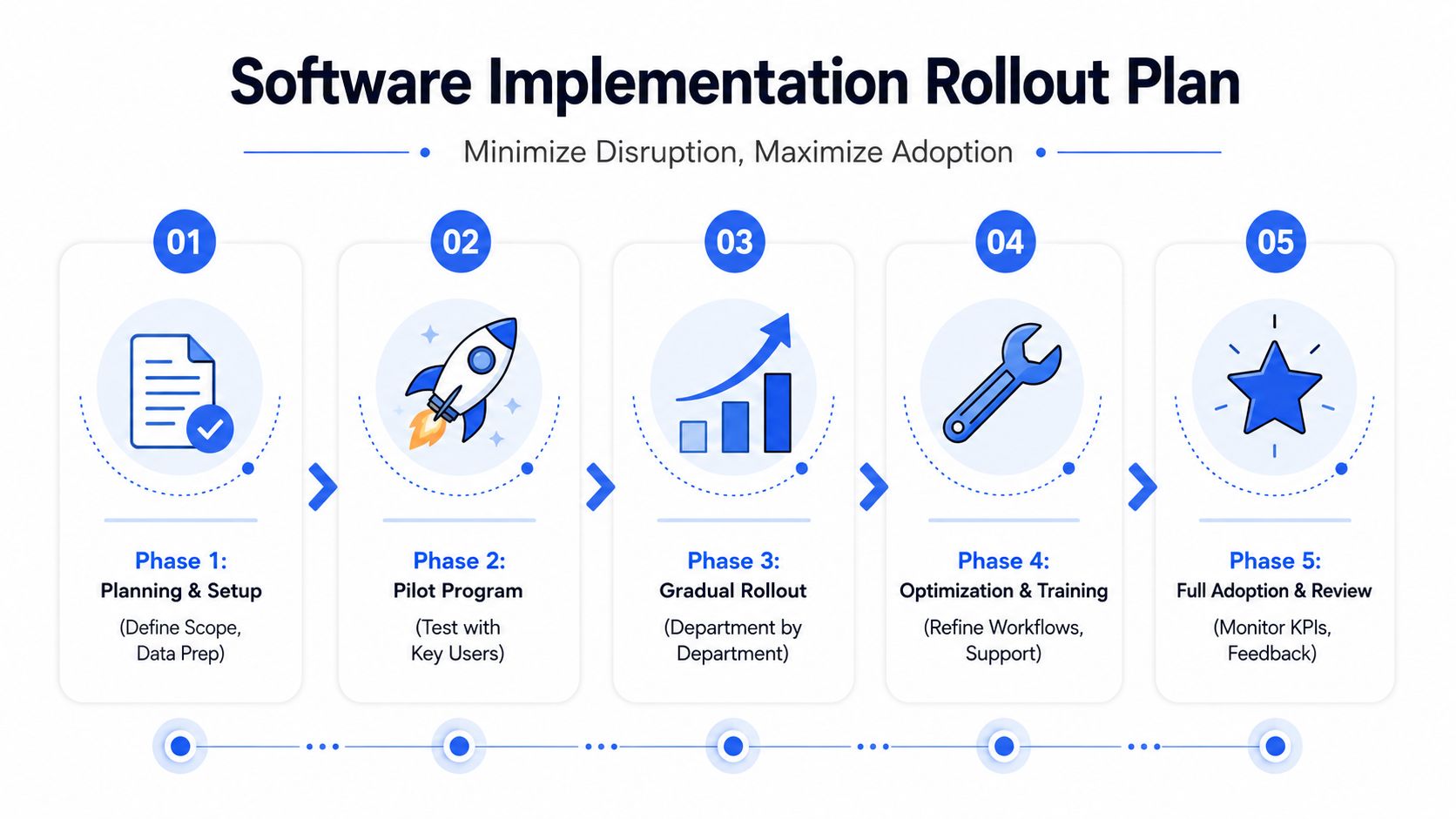
Roll out in controlled phases
Don't launch agency-wide on day one.
A phased rollout works better because ad operations are full of edge cases. One client has stricter naming needs. Another mixes countries and languages. Another depends on a very specific review flow. You want those wrinkles to appear in a pilot before the whole team is forced into the new process.
A workable rollout usually looks like this:
Pilot one account
Pick a client with enough complexity to test real use, but not your messiest account.Assign a small launch pod
One senior buyer, one junior buyer, and one ops lead is usually enough to pressure-test the workflow.Run old and new SOPs in parallel
Compare outputs, naming consistency, and QA experience for a short period.Log friction immediately
Don't rely on memory. Record every confusion point, workaround, and failed assumption.Expand by account type
Move next to accounts with similar structure before bringing in the outliers.
Agencies usually don't fail software rollouts because the tool is bad. They fail because nobody decided which process changed, which stayed the same, and who owned adoption.
Write SOPs around the new launch flow
Software only compounds when the process becomes teachable.
Update your SOPs so they reflect the actual sequence the team should follow. That includes where creatives are prepared, how naming inputs are structured, who checks ad set logic, how UTMs are applied, and when the final QA happens before publish.
For agencies managing multiple buyers, SOPs should also define permissions. If team members need to launch without sharing a primary login or broad Business Manager access, set that up deliberately rather than letting access habits evolve informally. Secure collaboration is part of implementation, not an admin detail.
Once the pilot is stable, train with real campaigns. A live workflow teaches faster than a slide deck ever will.
Beyond Tools Optimizing Agency Operations for Growth
The point of buying software for digital marketing agency operations isn't to collect subscriptions. It's to remove low-value labour from the part of the workflow that consumes buyer attention.
That matters most in Meta because creative testing speed often determines how quickly you learn. If your team spends too much energy uploading, renaming, sorting, checking, and repairing launch setups, they have less time for the work that improves account performance. Better hypotheses. Better angles. Better audience structure. Better post-launch analysis.
There's also a staffing advantage. When launch mechanics are standardised, senior buyers stop acting like quality-control clerks. Junior buyers can execute within a safer system. Ops leads can spot process failures earlier. Agency owners get more confidence that scale won't automatically produce chaos.
Meta campaigns don't usually break because your team lacks ideas. They break because operational friction slows down the pace of testing and introduces preventable errors. The agencies that grow cleanly are the ones that treat launch infrastructure as seriously as strategy and reporting.
If your team is spending too much time in Meta Ads Manager doing repetitive upload and settings work, Rapid Ads is worth testing in a controlled trial. Use it for the specific problems that matter operationally: bulk creative uploads, naming convention enforcement, multi-account management, and keeping unwanted Advantage+ creative enhancements disabled during launch.