A launch window closes in hours. A team has 100 to 200 new Meta ads to deploy across markets, while Ads Manager loads previews and turns naming corrections into another sequence of clicks. In that situation, the binding constraint is deployment throughput, not campaign strategy. Facebook advertising software earns its cost when it removes that operational drag.
The shortlist depends on which constraint binds first: bulk creative launches, rule-based automation, ecommerce optimization, enterprise creative operations, or AI-assisted asset production. Rapid Ads is built around bulk deployment; Birch focuses on rules, Madgicx on ecommerce optimization, Smartly.io and Hunch on enterprise creative workflows, and AdCreative.ai on asset production. These tools address different stages of the work, so the comparison is more useful when organized by operational problem than by feature count.
Other teams may need tighter CBO and ABO control, catalog enrichment, bid multipliers, or governance across client accounts. Those needs point to campaign optimization or account management, rather than faster creative production.
Before buying, compare time per batch, connected account limits, pricing by spend or seats, and control over Advantage+ settings. These checks show whether a platform improves Facebook ad optimization for real results, or adds an interface without reducing manual work.
Table of Contents
- 1. Rapid Ads
- 2. Birch (formerly Revealbot)
- 3. Madgicx
- 4. Smartly.io
- 5. Hunch
- 6. Skai (formerly Kenshoo) – Paid Social
- 7. MarinOne (Marin Software) – Social
- 8. ROI Hunter
- 9. Fluency (Agentic Advertising Operating System)
- 10. AdCreative.ai
- Top 10 Facebook Advertising Software: Feature Comparison
- Build the Right Meta Ads Stack
1. Rapid Ads
Rapid Ads targets the point where a Meta campaign is ready to launch but repetitive Ads Manager setup slows deployment. Buyers can drag and drop creatives, group them into ad sets, set targeting and budgets, add copy and UTM tags, then launch a batch in one click. For teams testing multiple creative variations, the value is faster execution of a defined workflow, not automated campaign optimization.
The platform reports 100 creatives launched in 8 minutes 39 seconds compared with 1 hour 57 minutes manually, a 92.6% time reduction, as published on the Rapid Ads site. Treat those figures as a benchmark to test, not a performance guarantee. In a pilot, compare the same batch in both workflows and include naming, tagging, and correction time, not only uploads.
Where the Control Sits
A distinguishing control is Advantage+ auto-disable, designed to keep selected creative enhancements off rather than rely on catching a default before launch. Meta says available enhancements vary by format, placements, and catalogue use. Some may be on by default, and advertisers can turn them off in the Enhancements section described in Meta's enhancement controls guidance. The setting still merits a pre-publish check, but persistent disabling can reduce repeated manual checks.
Automatic naming conventions, aspect-ratio detection, AI-assisted ad-set grouping, and Flexible Ads support help maintain order across larger batches. Meta permits separate editable fields for ad set and ad names as shown in Meta's editing guidance for ad objects. Teams can use that structure to place market and funnel stage at campaign level, with creative angle at ad level, making breakdowns easier to interpret.
- Pros: Bulk launches, automated naming and tagging, persistent enhancement control, unlimited ad accounts on paid plans
- Cons: Designed for Meta, with the free plan limited to 10 uploads
- Pricing signal: Free plan includes 10 uploads and requires no credit card. Rapid Launch starts at $39 per month, and team seats start at $29 per month. A 14-day money-back guarantee is offered.
Rapid Ads reports more than 3,000 media buyers and brands and over 2 million ads launched. Its site also features testimonials from ecommerce operators running 7- and 8-figure businesses and identifies the company as an official Meta marketing partner. These vendor-reported signals provide context, but a team should judge fit by its own batch workflow and deployment time. The tool is most relevant when creative deployment is the bottleneck; teams seeking rule-based budget changes or deeper campaign optimization need to assess those workflows separately.
2. Birch (formerly Revealbot)
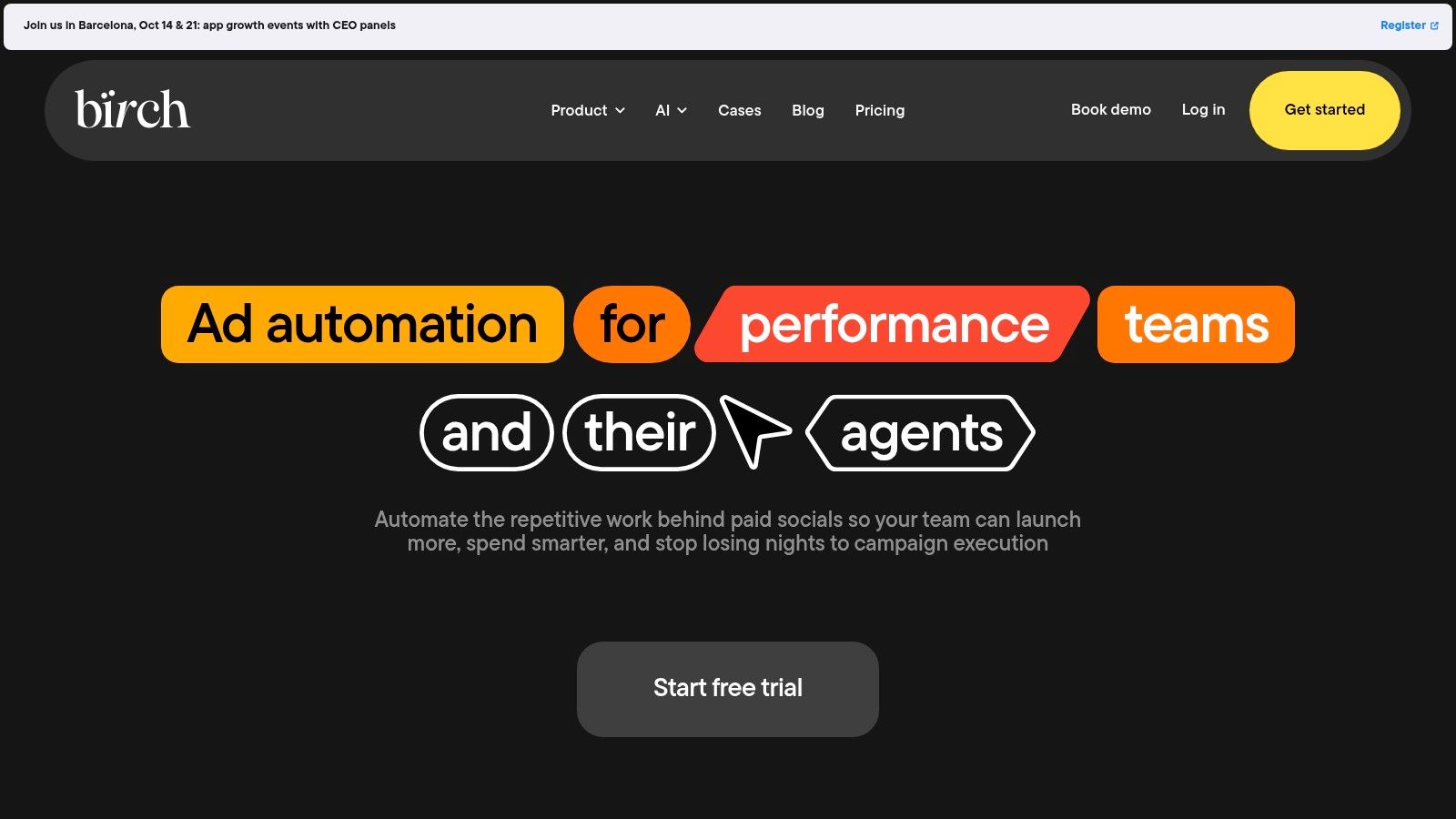
Birch solves a different problem. Your ads are live, but nobody wants to watch CPA drift at 2 a.m. or manually scale winners across accounts. Its automated rules and pre-built Strategies handle pauses, budget changes, and scaling logic with an auditable trail.
That's useful when you don't trust black-box optimization to make those calls. A 2025 Haus analysis of 640 incrementality tests found manual Meta campaigns produced higher incremental ROAS in 58% of tests, while Advantage+ delivered 12% lower incremental ROAS on average despite spending 18% less per day summarised in reporting on the Haus incrementality study. Rules you write yourself won't prove incrementality, but they keep the decision logic visible.
What You Get Beyond Rules
Launcher covers bulk ad creation and Explorer covers audience discovery, so Birch isn't only a post-launch tool. Custom metrics and timeframes let you trigger rules on blended signals rather than raw platform CPA alone. Slack and Sheets integrations push alerts and reports where your team already works.
The optional Signals Gateway adds server-side event delivery priced by monthly event volume, which suits teams tightening conversion signal quality. Pricing is spend-tiered with a 14-day free trial, and Enterprise is quoted on request, so check overage treatment before your spend spikes.
- Pros: Granular, auditable rules across Meta and other channels, strong fit for agencies
- Cons: Cost rises with connected spend, and conflicting rules take real design effort to avoid
3. Madgicx
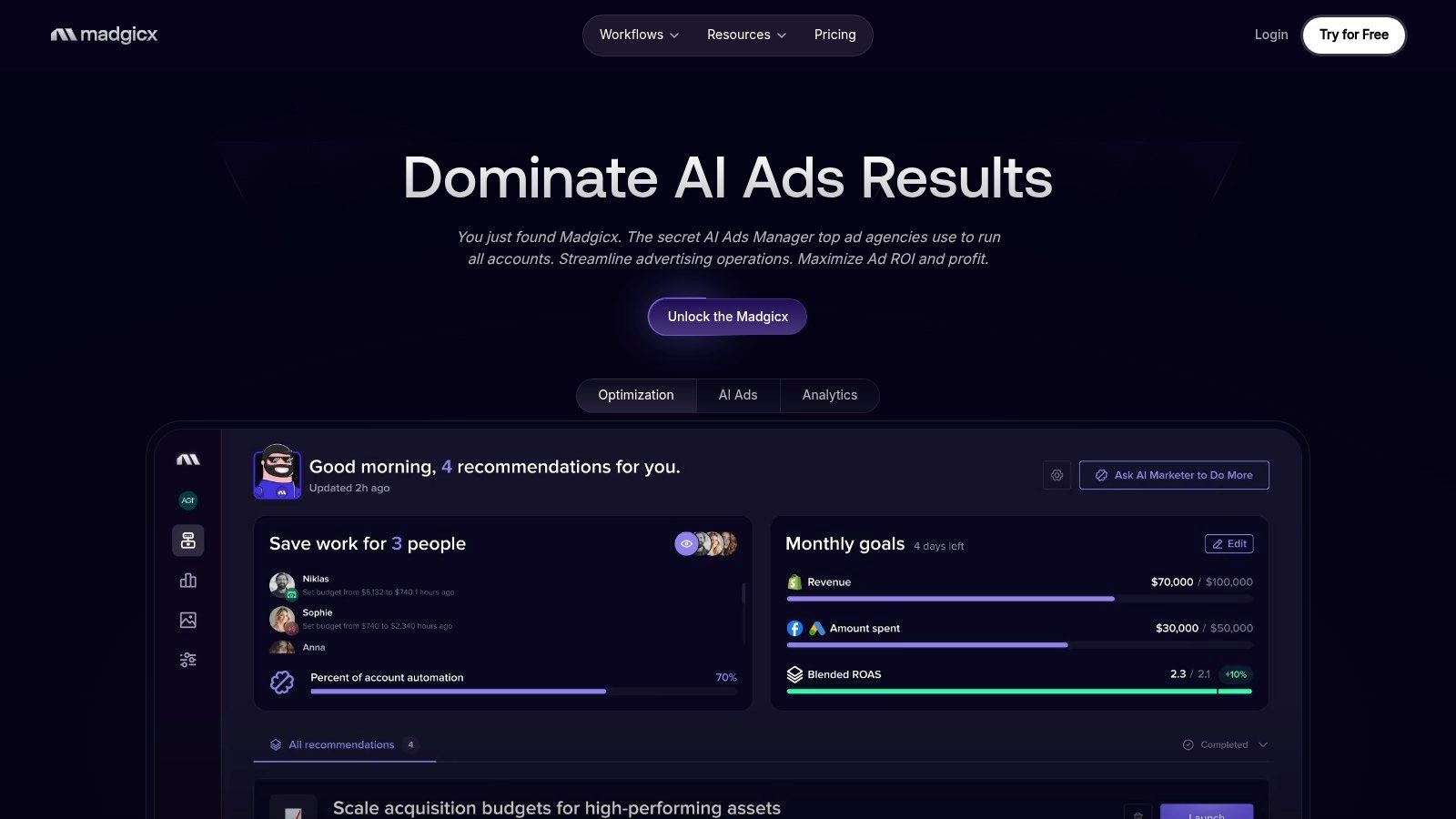
Madgicx bundles creative insights, budget and bid automation, audience surfacing, and reporting into one Meta-focused platform. It's aimed at ecommerce teams running frequent creative tests who want optimization decisions tied closely to creative performance, not just account-level CPA.
That pairing matters because benchmarks differ by objective. A 2025 WordStream and LocaliQ analysis of more than 1,000 U.S. campaigns found median CTR of 1.71% for traffic campaigns versus 2.59% CTR and 7.72% conversion rate for lead campaigns reported in the WordStream Facebook Ads benchmarks. Judge a traffic creative against a lead threshold and you'll kill ads that are performing normally.
Practical rule: Set your kill and scale thresholds per objective before you launch, not after the first day of spend makes everyone nervous.
Madgicx adds server-to-server tracking with Facebook Click ID support and sharable live reports for clients or internal stakeholders. Teams comparing dynamic creative approaches should also weigh how it stacks up against dedicated DCO platforms for structured creative testing, since bundled suites trade depth for convenience.
Public pricing exists but varies by ad spend and add-ons, so model your cost at next quarter's budget, not today's. The value case strengthens at medium to higher monthly spend where automation covers enough budget decisions to pay for itself.
- Pros: Deep Meta specialization, creative-level views, useful for high-frequency ecommerce testing
- Cons: Spend-based pricing climbs as you scale, weaker value at low budgets
4. Smartly.io
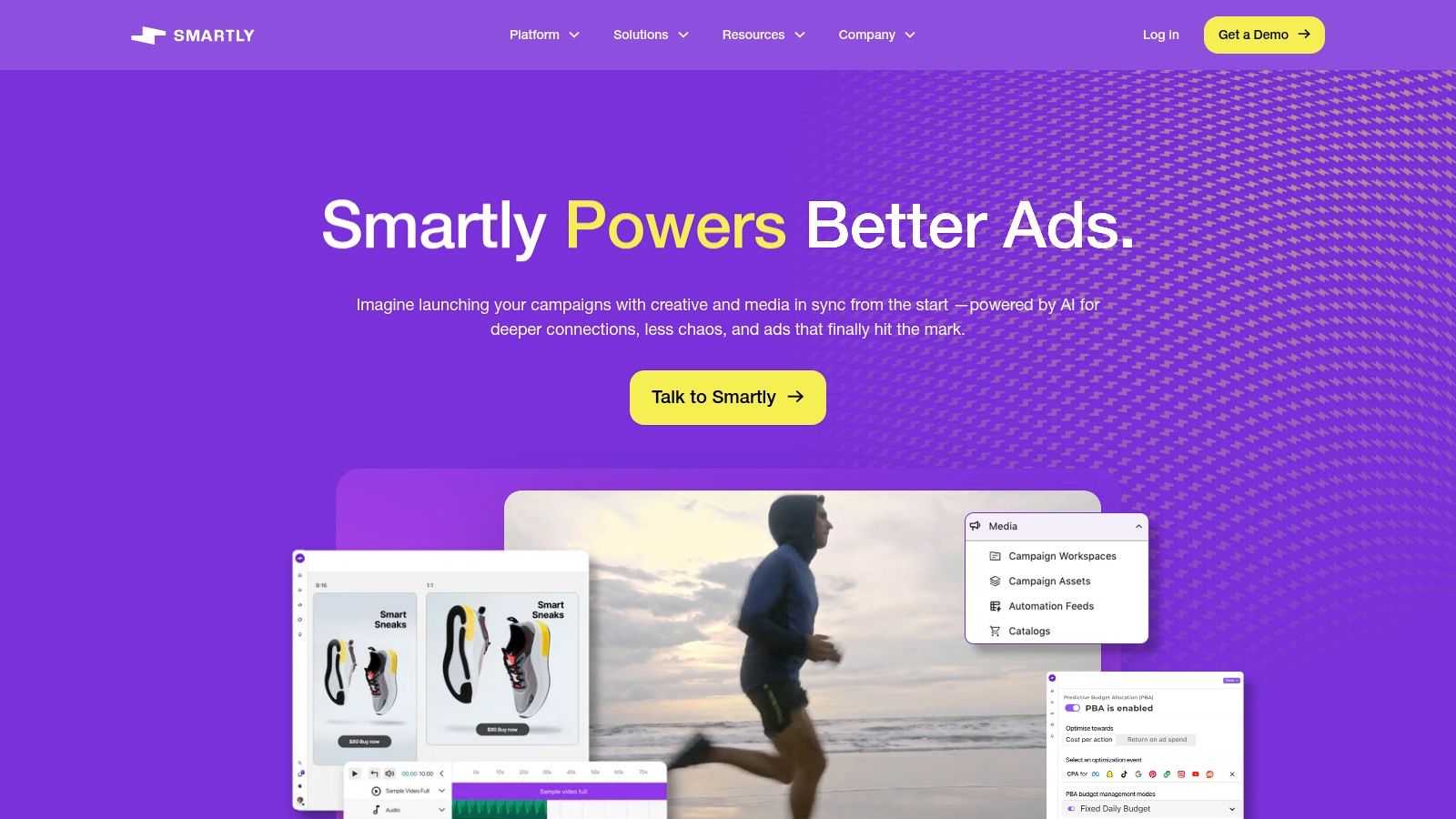
Smartly.io is enterprise Facebook advertising software for teams producing large volumes of image, video, and catalog variations. You build dynamic creative templates, feed them assets and product data, and generate versions at a scale manual production can't match. AI Studio extends that generation layer, while Creative Insights identifies which concepts and elements drive results.
The workflow automation covers naming, campaign creation, and reporting across catalog and non-catalog ads. That's the operational core for global brands localizing offers across languages and markets, and it's a different category from a bulk uploader. You're buying a creative production system that happens to publish.
Context helps justify the investment. Social advertising reached $88.8 billion in the U.S. in 2024, growing 36.7% year over year within $258.6 billion of total internet ad revenue reported in the IAB digital ad revenue release. At that scale, enterprise creative infrastructure is a rational line item. At smaller spend, it's overhead.
Compare that deployment effort against lighter media buying platforms built around faster self-serve workflows before you commit. Pricing is custom and enterprise-level with no public list, and onboarding plus template setup demand process discipline from your creative and media teams.
- Pros: Strong template automation, enterprise governance, cross-platform expansion path
- Cons: No public pricing and a heavy setup for small advertisers
5. Hunch
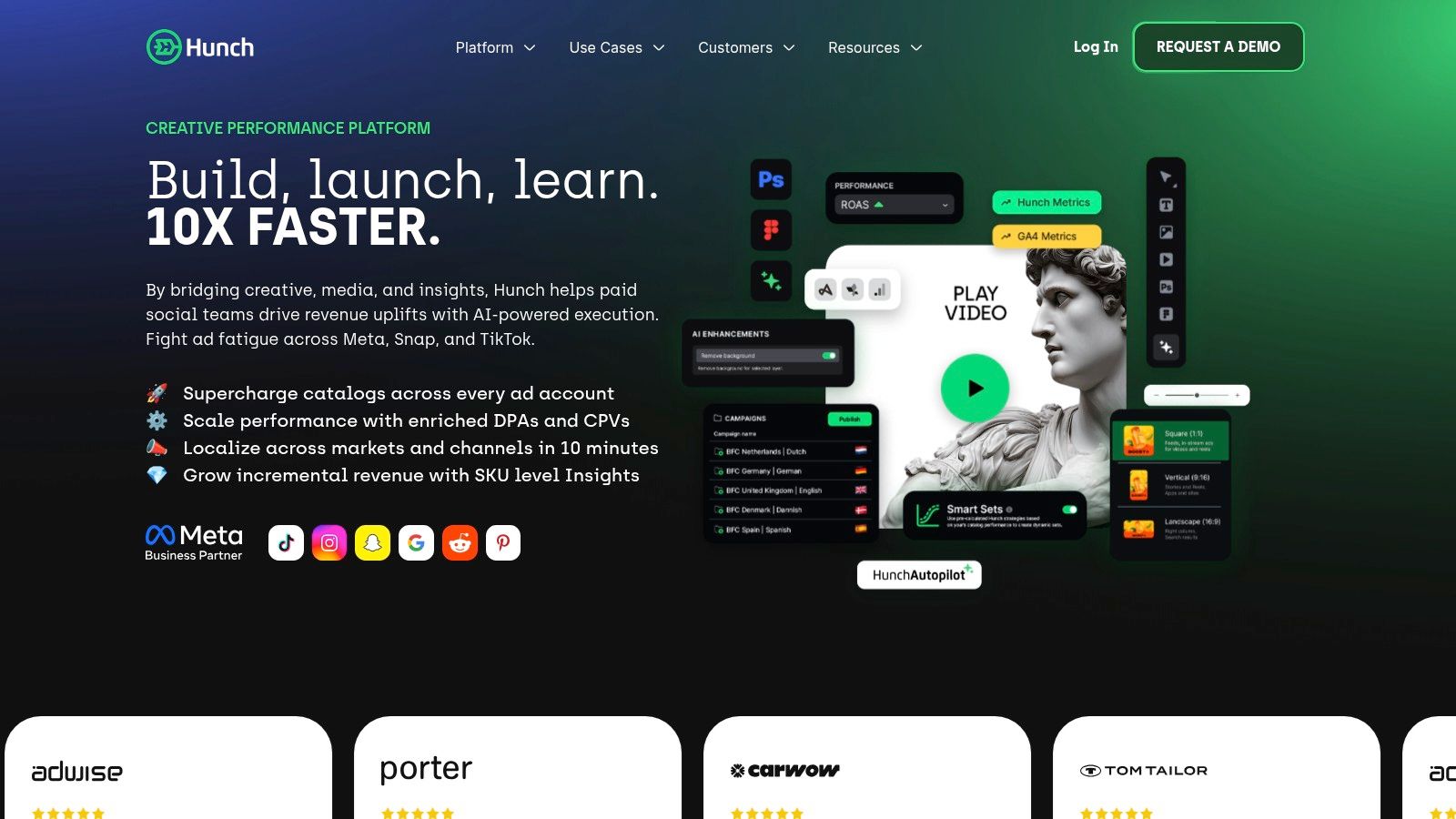
Hunch focuses on catalog advertising and personalized creative at scale. Its Creative Studio builds image and video templates, including PSD import, and Automation Plans coordinate how feed-driven variants flow into live campaigns. If you tailor price, language, or offer by location, that feed logic is the product.
Placement-specific creative routing is where this category earns its keep. A 2025 benchmark compilation puts approximate CTR at 1.1% for Feed, 0.8% for Stories, and 0.6% to 1.0% for Reels compiled in the AdBacklog benchmark breakdown. Square feed assets judged against vertical placements, or the reverse, will mislead you. Templates that preserve 9:16 variants for Stories and Reels protect the comparison.
What to Verify in a Demo
Ask how DPA enrichment handles your actual feed, including missing attributes and stale prices. Ask how refresh cadence works when inventory changes daily. Hunch supports its playbooks with case studies and lift studies, but your feed quality decides your outcome more than any template library.
Access is typically demo-led with custom pricing. That's reasonable for multi-location advertisers and a poor fit for a solo buyer who wants to self-serve tonight.
- Pros: Catalog and feed workflows are core, strong multi-location personalization
- Cons: Value depends on solid feeds and frequent creative refresh
6. Skai (formerly Kenshoo) – Paid Social
Skai sells cross-publisher control rather than Meta depth alone. Campaign creation, optimization, and reporting sit in one place across social publishers, which suits teams who refuse to reconcile five native interfaces every Monday.
Its Meta-specific tooling is still concrete. Creative Center and Creative AI classify creatives and analyze which attributes correlate with performance. Custom bid multipliers let you adjust bidding granularly within an ad set instead of splitting structure every time you want differentiated bids. Portfolio-level optimization and Amazon Attribution tagging serve advertisers measuring off-Amazon media against marketplace sales.
Cross-publisher reporting is only as clean as the naming and taxonomy you enforce before launch. Consolidation doesn't fix inconsistent inputs, it just displays them in one dashboard.
The trade-off is weight. Enterprise onboarding and platform breadth are liabilities if your real problem is uploading next week's creative batch faster. Pricing runs through sales with nothing public to anchor a budget conversation, so procurement cycles apply.
- Pros: One control layer across publishers, enterprise optimization features for complex programs
- Cons: Complexity and sales-led pricing overshoot lightweight Meta-only needs
7. MarinOne (Marin Software) – Social
MarinOne is the rare entry here with published subscription tiers instead of percent-of-spend pricing. Plans start at $500 per month for Connect, $1,000 for Ascend, and $2,000 for One as listed by the vendor. For finance teams allergic to fees that rise automatically with media budgets, that's a genuine differentiator.
Functionally, it covers Social Rules automation for Meta, bulk workflows, centralized dashboards across search, social, and retail media, and governance controls for multi-account management. That cross-channel view suits teams reporting Meta alongside Google rather than in isolation.
Constraints Worth Knowing Up Front
Parts of the experience retain a legacy feel, and Social and MarinOne features can't be mixed freely. Some platform constraints apply too, including limits on budget-type changes after sync, which matters if you restructure between CBO and ABO often. Test your exact restructure workflow during evaluation rather than discovering the lock mid-quarter.
- Pros: Published pricing simplifies budgeting and approval, longstanding automation features with documentation
- Cons: Legacy interface areas and sync constraints frustrate fast-moving restructures
For a stable, multi-account program that values cost predictability over interface polish, MarinOne remains a credible option. For creative-volume teams, deployment speed elsewhere will matter more.
8. ROI Hunter
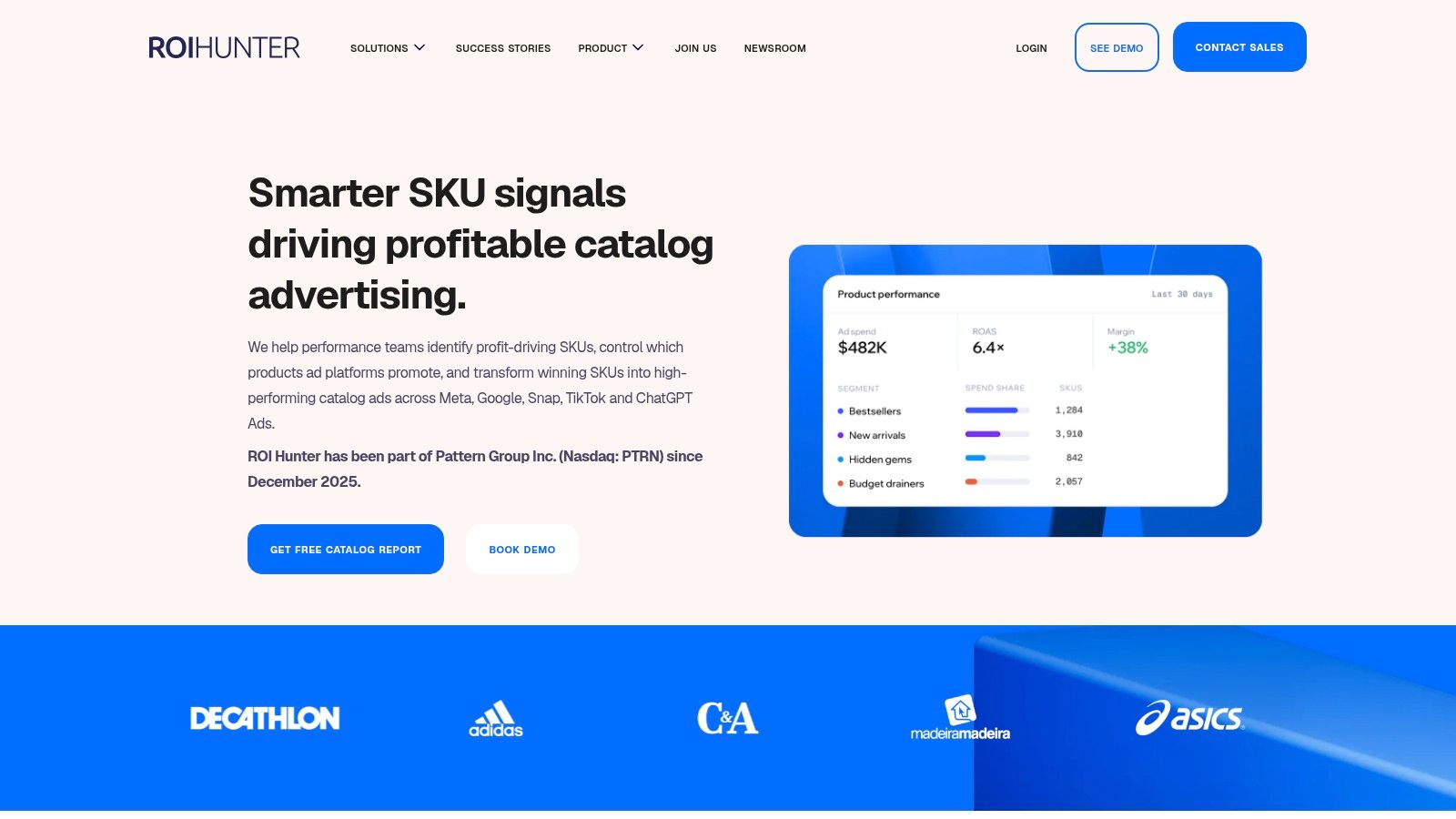
ROI Hunter starts from the product, not the campaign. Its product-level analytics tie SKU performance to revenue and margin, so you can see which items in a catalog deserve promotion and which ones burn spend inside a broad DPA set. For large retailers, that visibility changes budget allocation more than another bid rule.
Feed enrichment and dynamic creative improve what the catalog ad shows, while strategy guardrails keep promotion focused on profitable products instead of whatever the feed pushes hardest. Enterprise governance and API support handle the catalog sizes where spreadsheet checks stop working.
This is also where format decisions get structural. Meta's Flexible ad format lets delivery choose media and format combinations from up to 10 uploaded images and videos, serving them as single image, video, or carousel across Traffic, Engagement, Sales, and App promotion objectives explained in Meta's Flexible format documentation. Know whether your testing unit is one Flexible ad or several independent ads before you read results.
Pricing is consultation-based at 1% to 5% of ad spend, with a free catalog performance audit as the entry point. That aligns fees with program scale, but flat-fee teams will resist it.
- Pros: SKU-level decisions and strong DPA control for large ecommerce catalogs
- Cons: Percent-of-spend pricing and enterprise focus overshoot small catalogs
9. Fluency (Agentic Advertising Operating System)
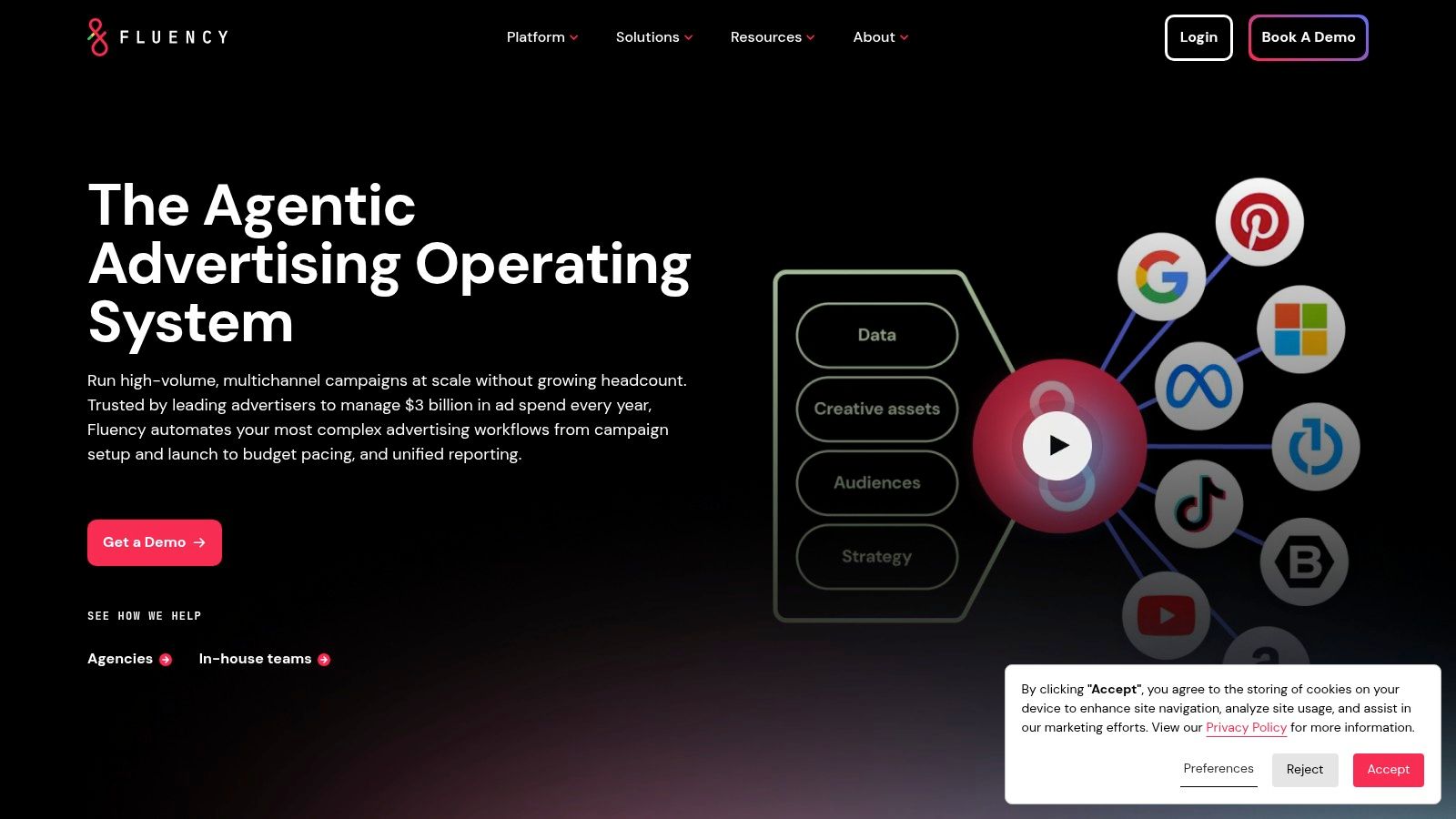
Fluency targets agencies and in-house enterprise teams managing Meta alongside Google, Microsoft, Amazon, and TikTok. Its Blueprints codify campaign creation, budget pacing, QA, and reporting into governed workflows that repeat across hundreds or thousands of accounts. You're not buying features. You're buying process enforcement.
That governance addresses a real failure mode. Recent reporting describes Advantage+ increasingly handling targeting, creative optimization, placements, and budgets with limited oversight, leaving advertisers firmer control mainly over location, excluded audiences, and minimum age examined in coverage of Meta's automation and brand control trade-offs. At portfolio scale, documented defaults and QA steps are how you keep that automation from diverging across clients.
Centralized budget management and pacing sit alongside multi-channel reporting and integrations. The system assumes you'll invest in defining Blueprints properly, and it returns little if every account manager keeps a personal workflow.
Pricing and onboarding are enterprise and sales-led. A five-person agency will find it heavy. A network launching standardized local campaigns across a national footprint is the actual customer.
- Pros: Built for high-volume, multi-client operations with governed repeatable launches
- Cons: Sales-led onboarding and setup effort rule out self-serve SMB use
10. AdCreative.ai
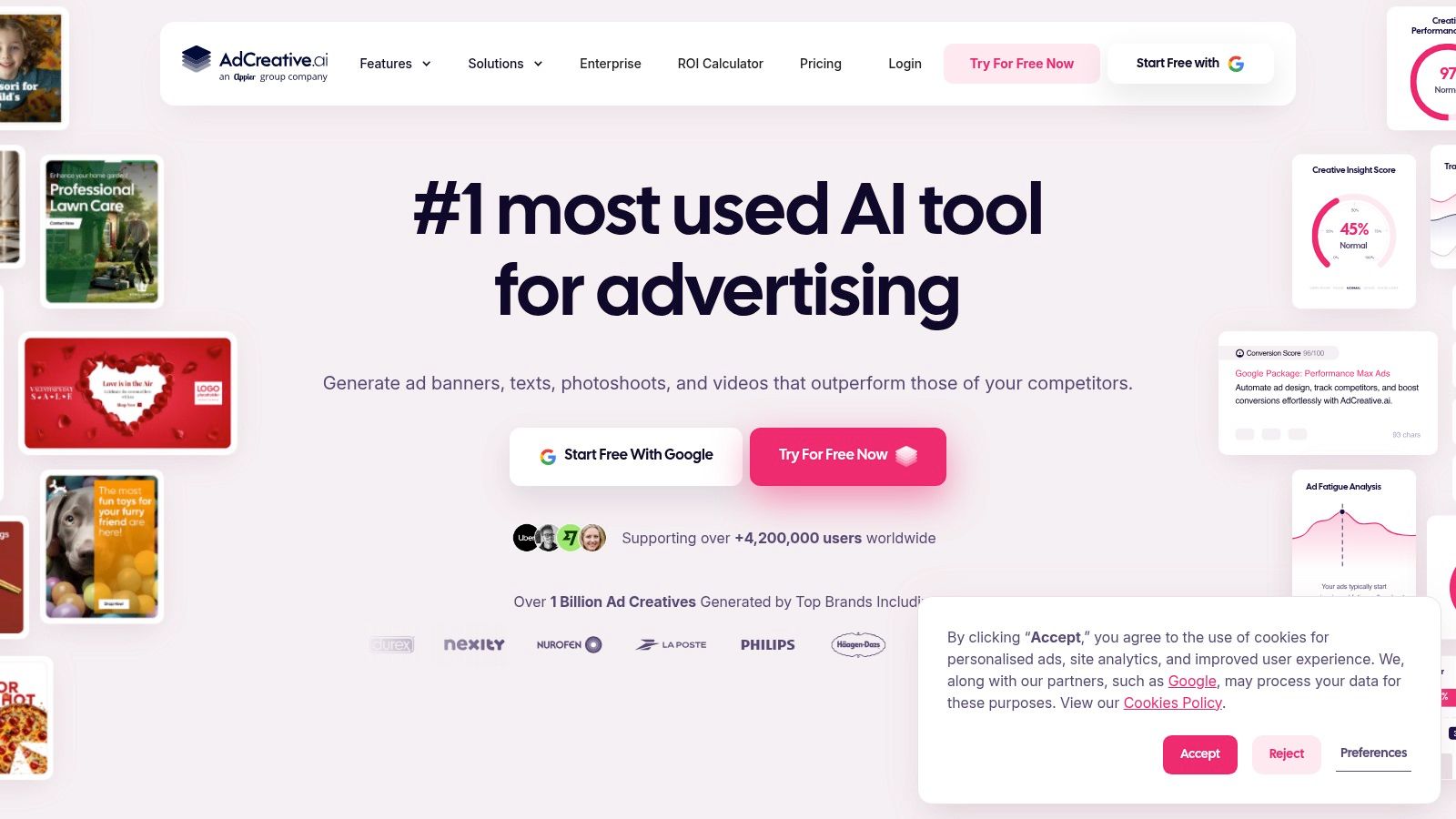
AdCreative.ai attacks the bottleneck before Ads Manager, asset production itself. It generates static and video ads, headlines, and variations, scores creatives, and connects to Meta accounts so you can export or push assets into campaigns. Brand profiles keep generated output closer to your visual identity than a blank prompt would.
Manage expectations on structure. Meta allows up to 10 images and videos for a single ad, with placement-specific customisation in creative setup set out in Meta's guidance on adding media to ads. Generating fifty variants is easy. Deciding how they split across ads, ad sets, and test cells is still your media buying problem, and that's where pairing a generator with a launch workflow makes sense.
Teams formalizing that handoff should consider how a creative management platform structures assets before they reach an ad account. Generated volume without naming discipline produces unreportable clutter.
Public plans are advertised around $29 to $39 per month for Starter, with higher credit tiers, trials, and discounted billing. Human review remains essential, since generated claims and visuals need brand and compliance checks before spend touches them.
- Pros: Fast iteration and refresh, public pricing with trial access
- Cons: Not a campaign management suite, and output needs human QA
Top 10 Facebook Advertising Software: Feature Comparison
| Platform | Core Workflow | Standout Strength | Best For | Pricing / Value |
|---|---|---|---|---|
| 🏆 Rapid Ads | Bulk-launch Meta ads with automated setup, copy, naming, and UTMs | ★ Fast, controlled launches; Advantage+ auto-disable and aspect-ratio detection ✨ | 👥 Media buyers, ecommerce teams, and agencies | 💰 Free for 10 uploads; paid plans from $39/month; team seats from $29/month |
| Birch (formerly Revealbot) | Rules-based automation and bulk campaign management | ★ Granular, auditable controls across multiple ad channels ✨ | 👥 Agencies and high-volume advertisers | 💰 Spend-tiered subscriptions; 14-day free trial |
| Madgicx | Meta optimization, audience tools, reporting, and tracking | ★ Creative insights paired with budget and bid automation ✨ | 👥 Ecommerce teams running frequent creative tests | 💰 Pricing varies by ad spend and options |
| Smartly.io | Enterprise creative and media automation | ★ Dynamic creative production and cross-platform governance ✨ | 👥 Enterprise teams managing large creative volumes | 💰 Custom enterprise pricing |
| Hunch | AI creative production and feed-driven campaign workflows | ★ Personalized catalog ads across offers and locations ✨ | 👥 Catalog advertisers and multi-location brands | 💰 Custom pricing; typically demo-led |
| Skai – Paid Social | Cross-publisher paid-social campaign management | ★ Enterprise optimization, creative analysis, and reporting ✨ | 👥 Teams managing complex multi-publisher programs | 💰 Custom pricing |
| MarinOne – Social | Cross-channel advertising, automation, and reporting | ★ Published subscription tiers and multi-account controls ✨ | 👥 Teams managing search, social, and retail media | 💰 Plans from $500/month |
| ROI Hunter | Product-level analytics and catalog ad optimization | ★ SKU-level performance insights and feed enrichment ✨ | 👥 Large retailers with extensive catalogs | 💰 Consultation-based; typically 1–5% of ad spend |
| Fluency | Governed campaign operations across multiple channels | ★ Workflow Blueprints for large account portfolios ✨ | 👥 Agencies and enterprise in-house teams | 💰 Sales-led enterprise pricing |
| AdCreative.ai | AI generation and scoring of ad creatives | ★ Rapid asset and copy variation ✨ | 👥 Teams focused on creative production and refreshes | 💰 Public plans around $29–$39/month for Starter |
Build the Right Meta Ads Stack
Start with the constraint that costs you the most hours or the most wasted spend, and buy one primary platform for it. Few teams have five bottlenecks. They have one bottleneck creating symptoms everywhere else, usually slow creative deployment forcing rushed naming, inconsistent UTMs, and test structures nobody can read a week later.
The history explains why this tooling layer exists at all. Facebook announced more than 2 million active advertisers back in February 2015, alongside its Ads Manager mobile app announced in Facebook's advertiser milestone post. Self-service advertising scaled past large brands long ago. Your stack has to assume volume, not treat it as an exception.
A Practical Stack for Most Performance Teams
Pair Rapid Ads for bulk Meta deployment with Birch for governed automation once launch volume and rule complexity both justify it. Add a dedicated reporting layer only when client or executive reporting consumes real analyst hours. Ecommerce catalogs at enterprise scale swap in Hunch, Smartly.io, or ROI Hunter where feed logic, not uploads, is the constraint.
- Confirm permissions first: Verify Business Manager access, ad account roles, and who can publish before any migration
- Calculate true cost: Model spend-tiered pricing at peak budget, not average budget
- Price the time saved: Compare subscription cost against hours per launch batch, including corrections and re-uploads
Pilot one workflow, not the whole account. Pick next week's creative batch, run it through the tool, and compare against Ads Manager on time per batch, naming accuracy, UTM integrity, and enhancement settings after publish. Check rejected or altered assets, confirm placement variants survived, and read results at creative level against the right objective benchmark.
Scale only after that validation. If spend, CPA tracking, and creative-level reporting reconcile cleanly with Ads Manager and your CRM or store data, expand to more accounts. If they don't, you've spent a week learning that instead of a quarter. Readers still mapping the wider field can find 2026 marketing tool fits matched to their stack before committing budget.
The through line across all ten tools is control, not automation for its own sake. Automation that you can't audit, name, or reproduce isn't an advantage. It's delegation without records, and you'll pay for it the first time a client or finance team asks why spend moved.
If bulk creative deployment is your binding constraint, Rapid Ads lets you launch hundreds of Meta ads in one controlled batch with automated naming, UTM tagging, and Advantage+ enhancements kept off. Start on the free 10-upload plan, run it against your next Ads Manager launch, and keep it only if the batch time and reporting quality beat your current workflow.
